Home screen and navigation
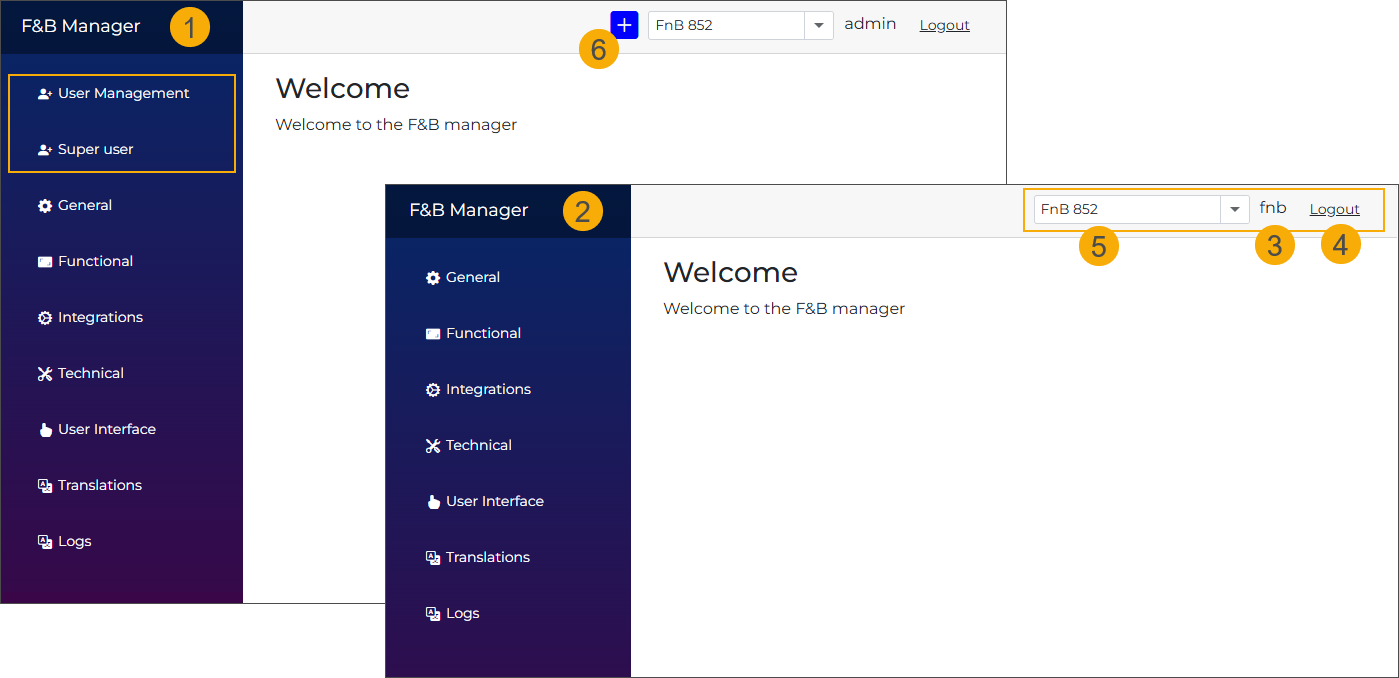
The Home screen currently does not offer any specific functionality, but may be utilised in future releases to display additional information relevant to the F&B Manager application.
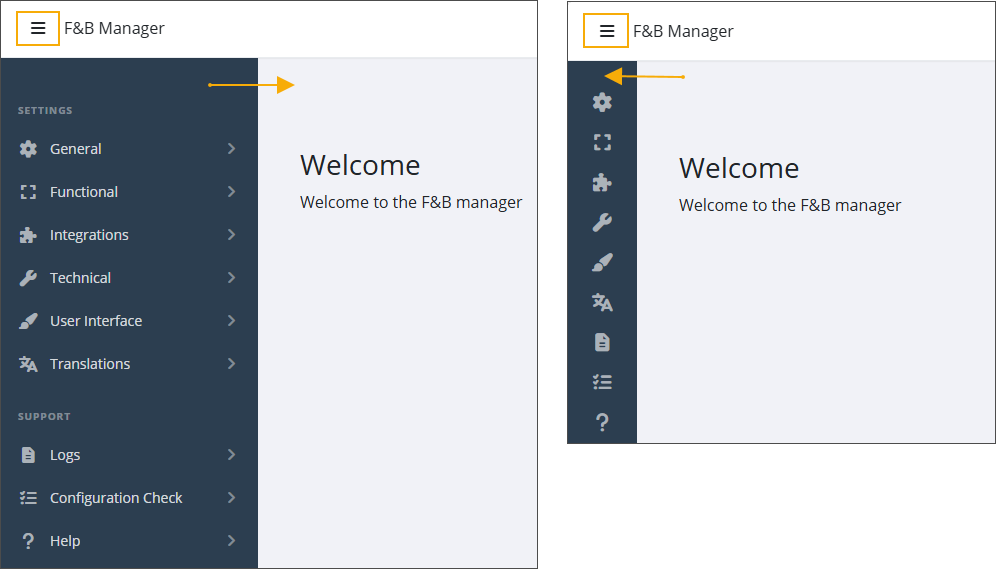
The sidebar on the left provides access to various tab pages containing configurable settings for Order Kiosk, Order App and F&B Manager.
Click the icon in the top-left corner to expand or collapse the sidebar.
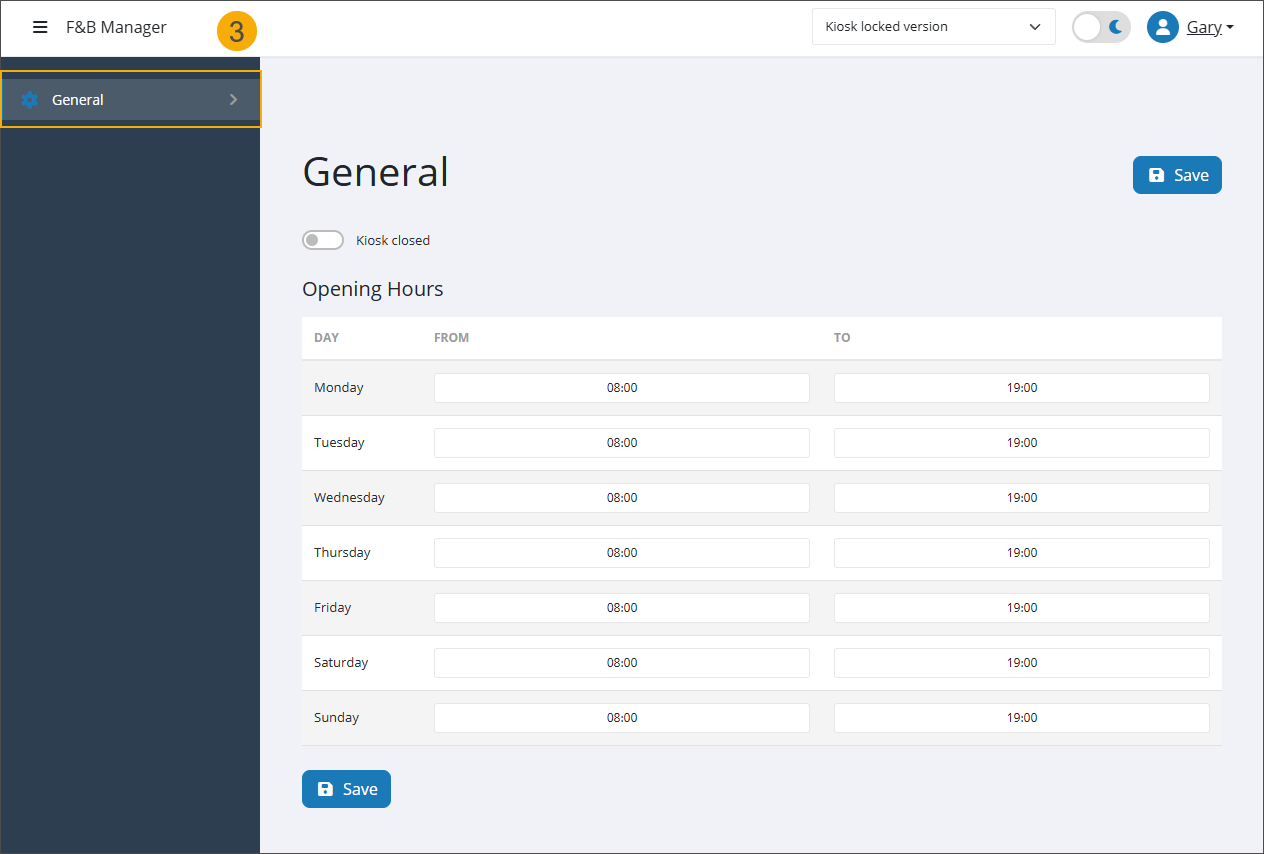
The tabs you see depend on your user type:
Superuser (1): Has access to all pages, including user & shop management and migration functionality.
With admin access, you can also see the name of the selected application (4) at the bottom of the sidebar.
Admin (2): Has access only to pages with the configuration options and support tools for the F&B Kiosk and F&B QR App.
Operator (3): Has access only to specific functionalities within the General tab, such as managing opening hours and manually closing the kiosk or app. An operator can only be created by a superuser.
In the top bar, you can access the following:
Access the Logout functionality. (5)
Switch between dark mode and light mode. (6)
Select a Shop ID from the dropdown list (7) to access the configuration of a specific F&B Kiosk. If you have many Shop IDs, use the dropdown search to filter and select the correct Shop ID quickly.
With superuser access, you can also add new Shop IDs to the F&B Manager application. (8)
The search bar (9) helps you quickly find settings relevant to the selected application type (App or Kiosk).
The Support assistant (10) extends the application's search capabilities by providing a conversational way to find, view, and manage settings. On mobile devices, where the search bar is unavailable, the assistant serves as the primary search function.