Consult lesson scores
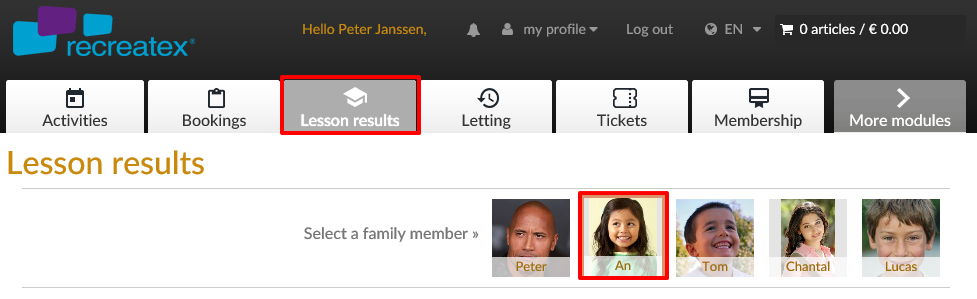
Once the user is logged in to the Webshop, he/she can navigate to the tab Lesson results and select the family member of which he/she wants to consult the lesson scores.
 |
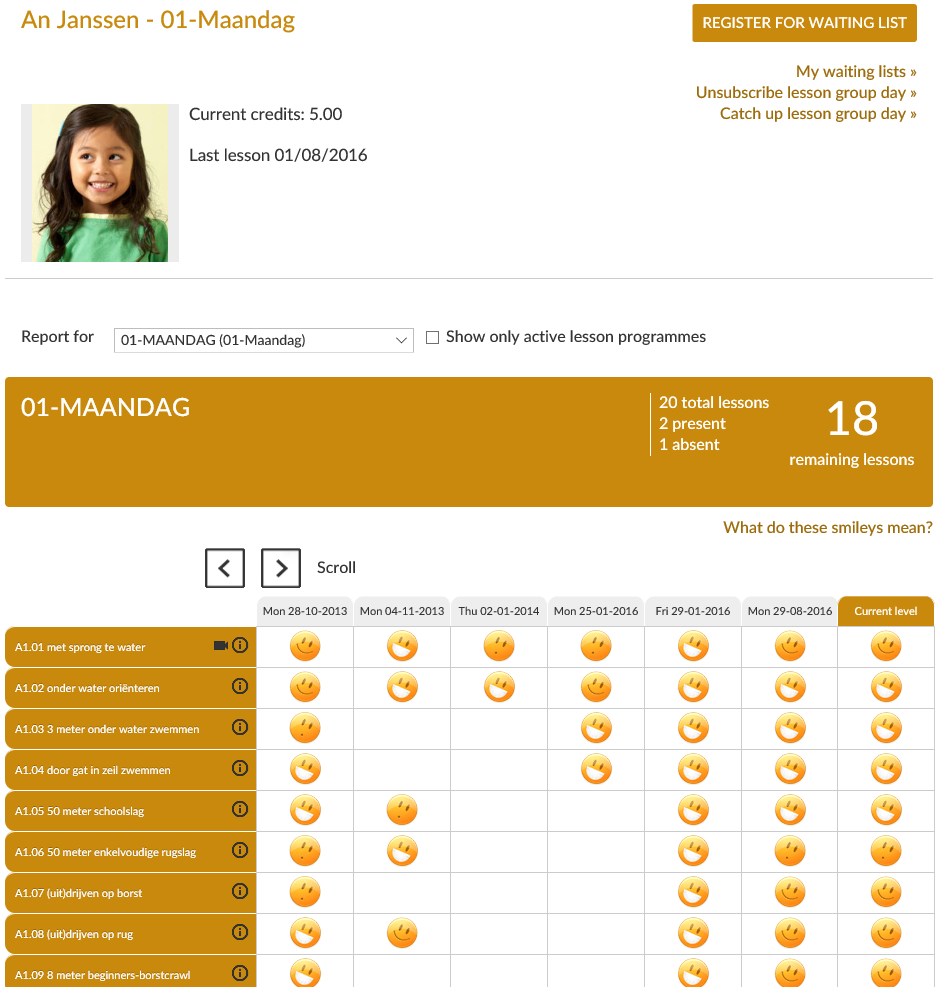
If you choose the desired lesson group, the lesson results will appear. Dependent on the settings you will also see additional information on the total number of lessons in that group, the remaining number of lessons and the presences and absences of the student.
 |