Configuration options
The F&B Manager shows relevant settings based on the application configured in the tab Technical (1):
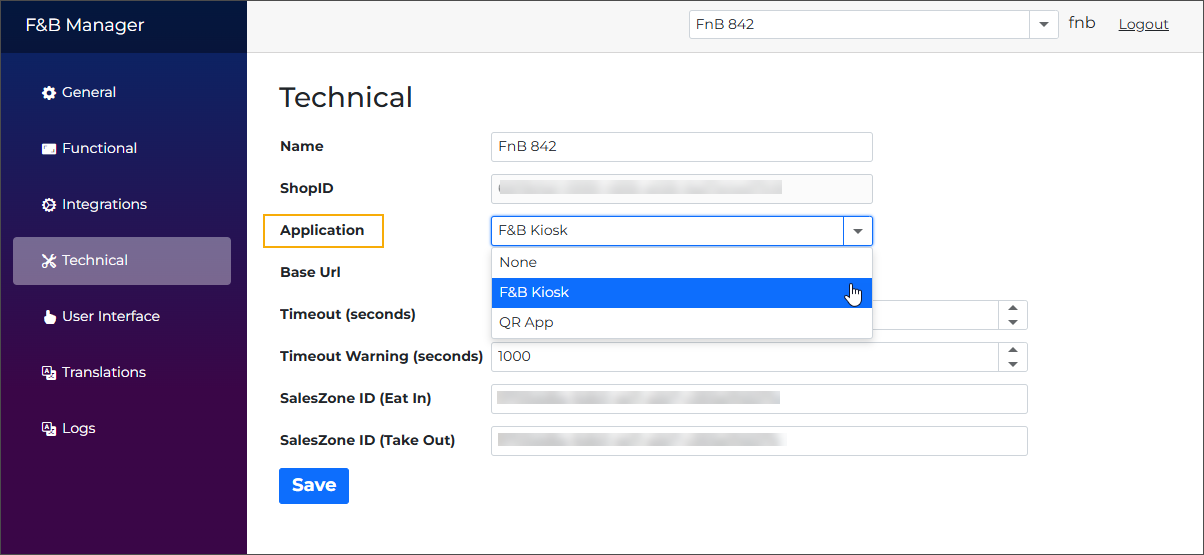
Select F&B Kiosk to access the settings relevant to kiosk setup.
Select QR App to access the settings relevant to QR ordering app setup.
Tipp
Clicking the Help (2) option in the sidebar opens the Online Help section Setup in F&B Manager, explaining all configuration options for the selected application (kiosk or app).