Selling loyalty products
Note
You can sell loyalty products from the venue offers shop and Ticketing widget. For this the feature to use loyalty product must be enabled for your venue. You can request Vintia support to enable loyalty products for your venue.
On the Ticketing widget, the customer follows the steps below to place an order for a loyalty product:
On the Ticketing widget, select an offer that contains a loyalty product.
Add the loyalty product to the basket. You can also add other products if required.
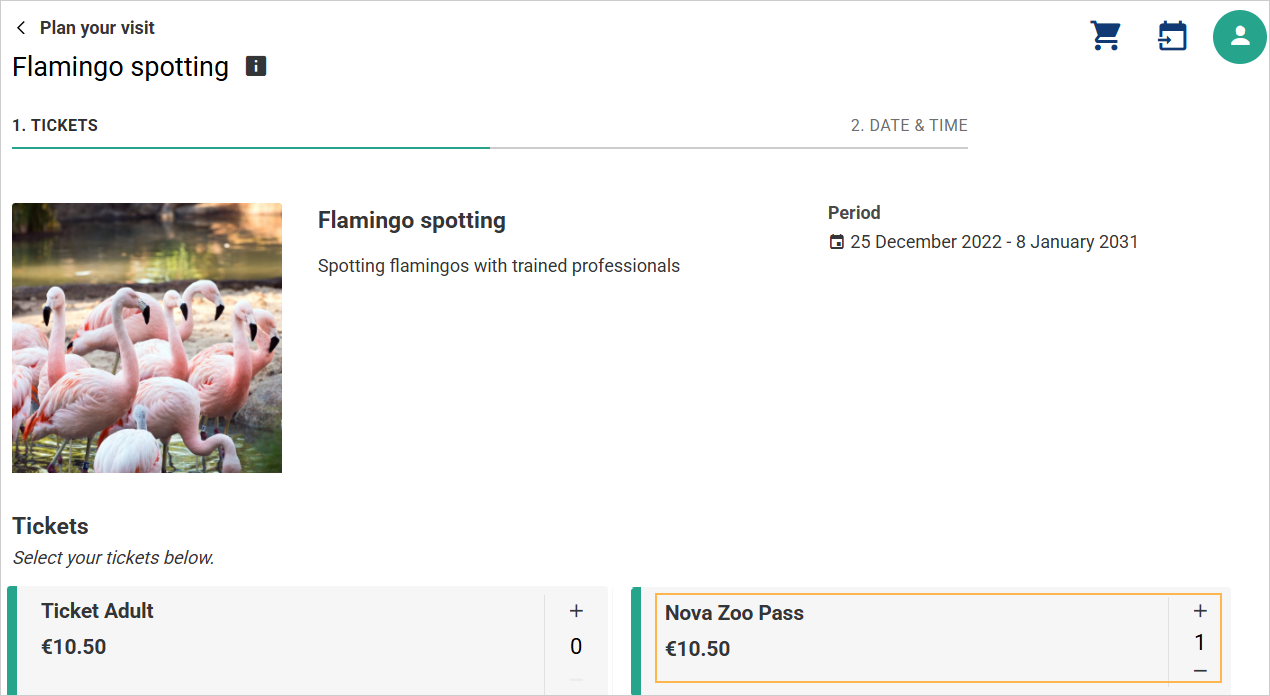
Select the date and time of the visit and proceed to the next step.
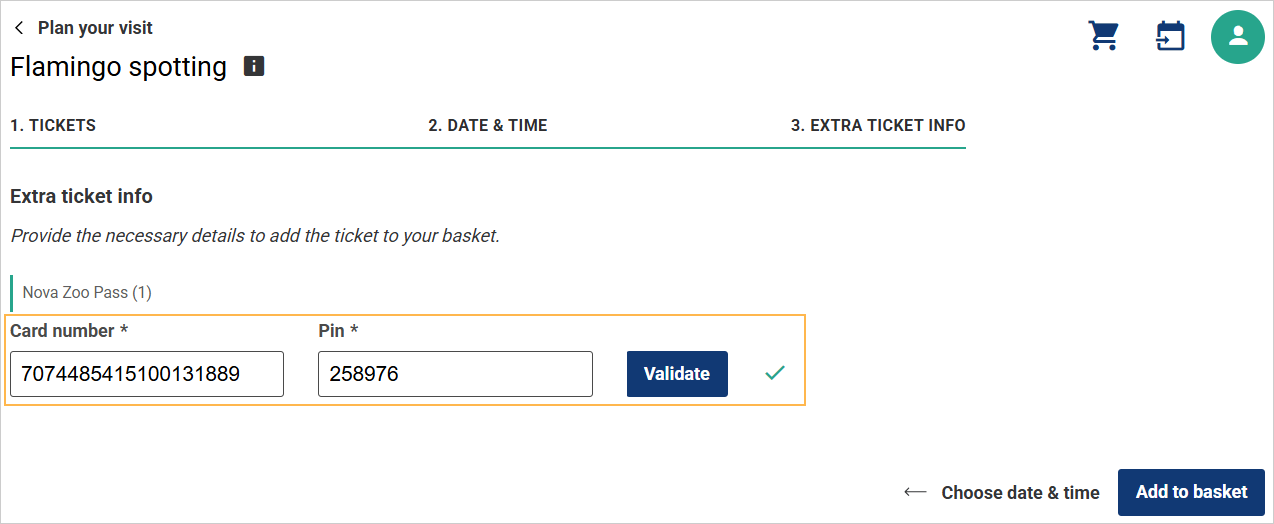
Before adding the products to the basket, the customer is required to enter and validate their card number.
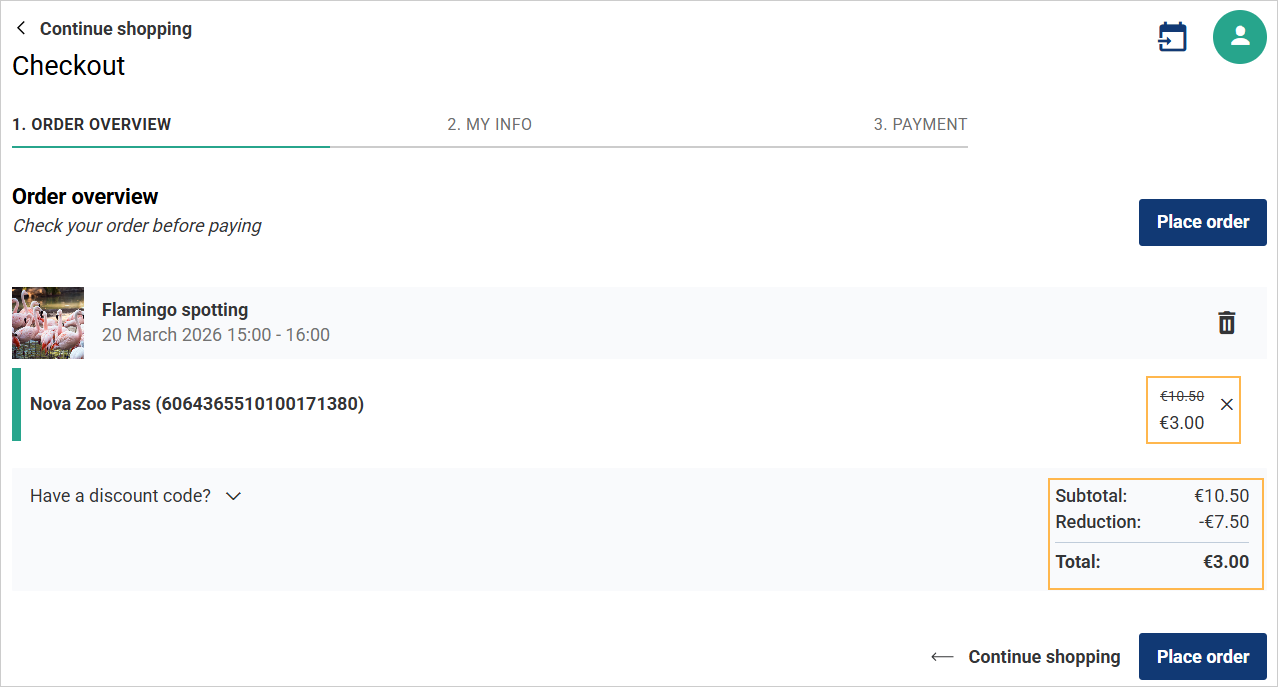
Once validated, the Checkout Order Overview page displays the discount and the final price after reduction. The customer can then proceed to place the order.
Next, enter the required customer information and proceed with payment to complete placing the order.
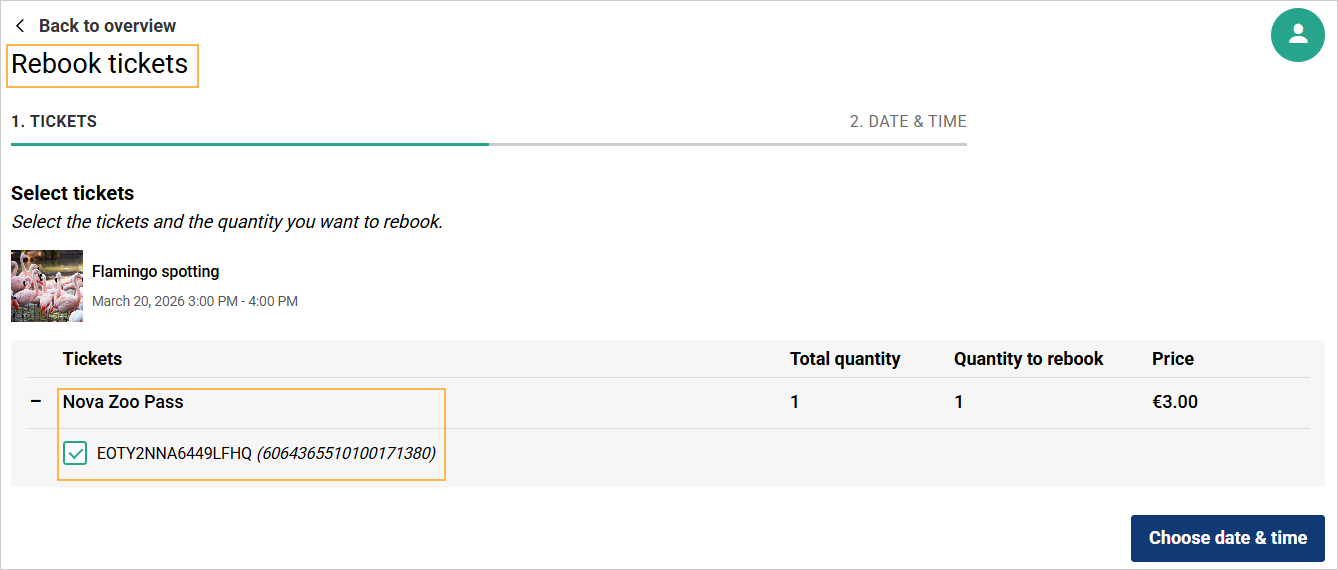
It is possible to rebook the loyalty product from the Ticketing widget as well as from the Orders page in Enviso Sales.
 |