Product groups
Note
The feature to use product groups is available only to specific venues. You can request Vintia support to enable this feature for your venue.
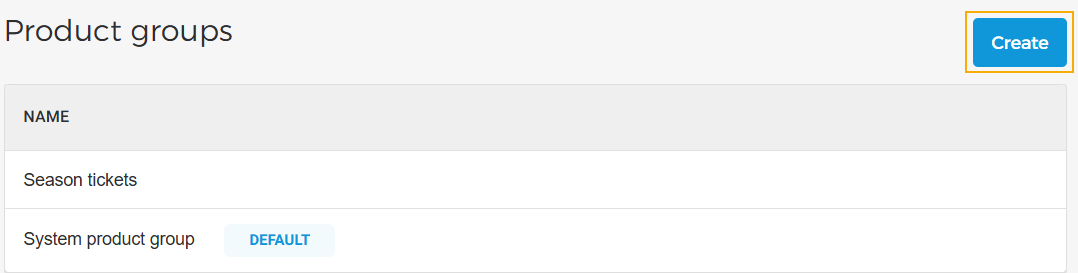
On the page Product groups, you can create and consult product groups.
Create a product group
Click on the Create button in the top right corner of the Product group page.
 |
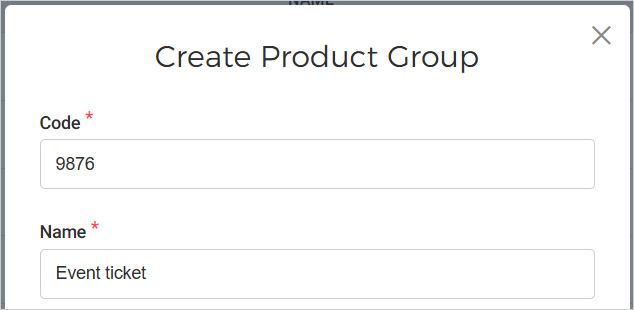
On the resulting pop-up, enter the product group code and name, and click Create.
 |
Note
The system creates a 'Default' product group for the venue. The default product group will be available to the user. Additionally, the user can create more product groups.
Once created, the product group can be optionally linked to a product.