Ledger accounts
Note
The feature to use ledger accounts is available only to specific venues. You can request Vintia support to enable this feature for your venue.
On the Ledger account page (under Products) you can create and consult the ledger accounts.
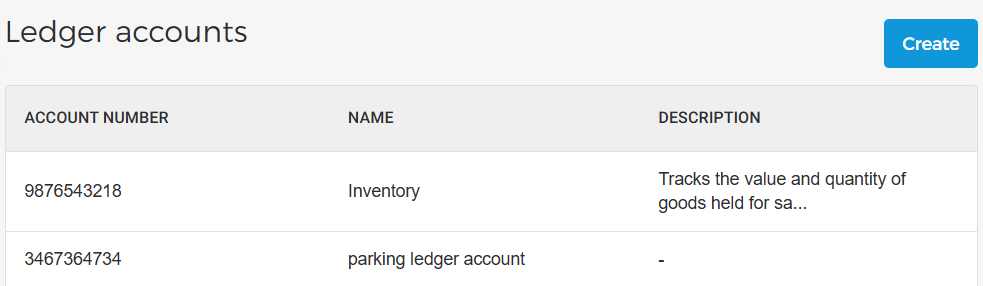 |
Create a ledger account
On the top right corner of the Ledger accounts page, click Create.
 |
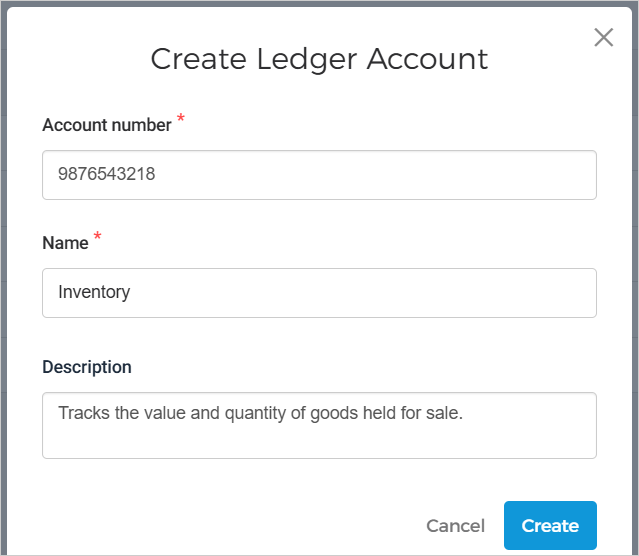
In the resulting pop-up, enter the details and click Create to create a leader account.
 |
Edit ledger account
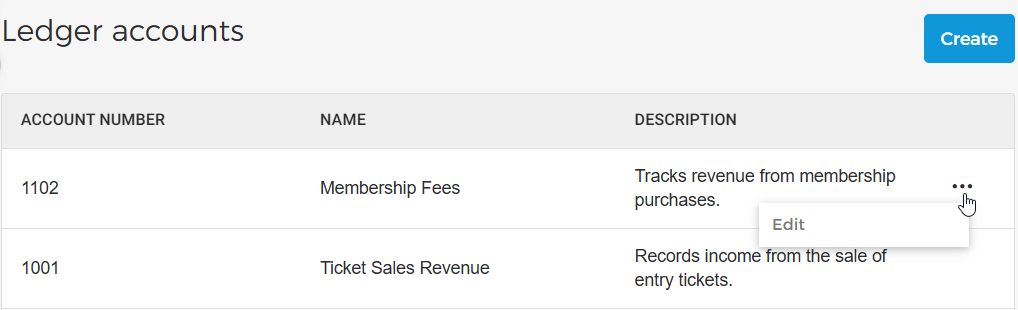
On the Ledger account page, click the more options menu and select Edit. You can update ledger account details such as the account number, name, and description.
 |