Redeem voucher
Note
The possibility to redeem voucher codes on the venue's Offers shop is available to specific venues only. You can request Vintia support to enable this feature for your venue.
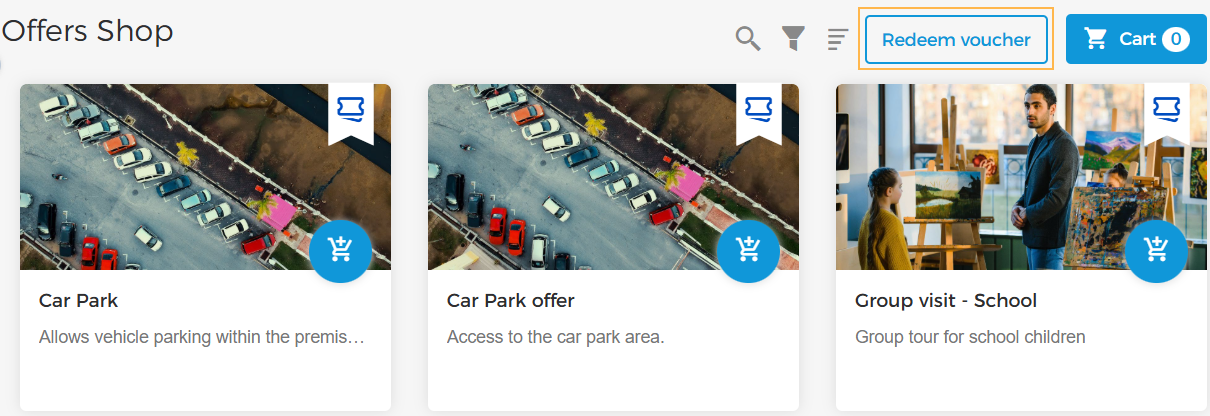
On the Offers shop, click Redeem voucher in the top panel.
 |
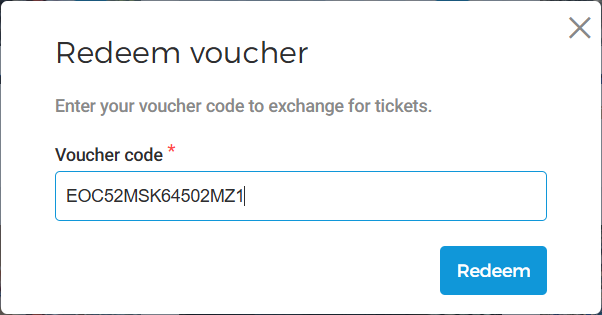
In the resulting pop-up, enter the voucher code to exchange for tickets and click Redeem.
 |
Next, you will be navigated to the Add tickets screen wherein you can add tickets based on the voucher configurations. Thereafter, you can proceed with the checkout process.
Once the order is reserved, the voucher code status will be changed to Redeemed. This can be consulted at the offer level, tab Codes.
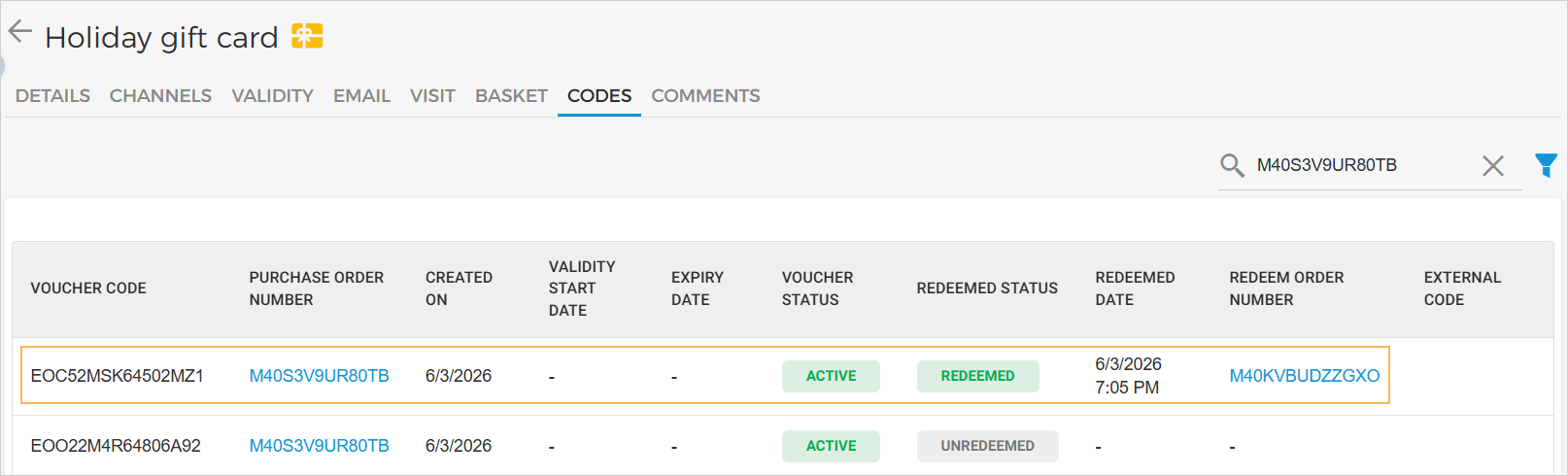 |
For a redeemed voucher code, clicking on the 'Redeem order number' will navigate you to the Orders page where you can further consult the order details for that voucher redemption.
 |