Enviso login
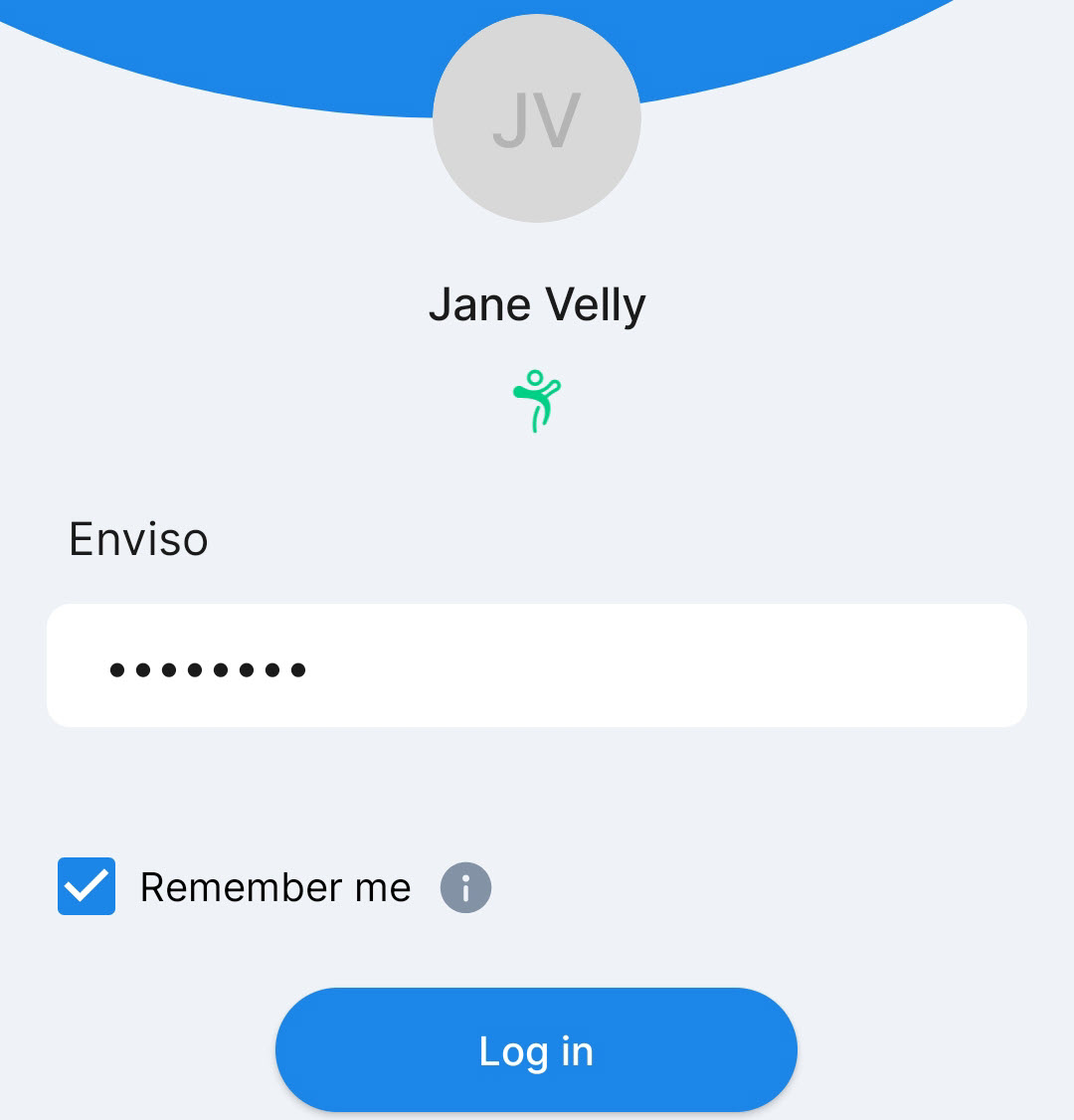
On the login screen, enter the employee password as configured for the profile.
 |
Warning
Your Enviso account must have scan permissions to be able to scan and validate Enviso tickets/memberships (Enviso Admin > User roles > Permissions > Scan barcode). Refer Managing roles.
In case the option Remember me is selected, then upon subsequent logins from the same profile, the last entered employee credential will be pre-filled.
Warning
If the option Remember me is selected, anyone can log into the Admission app. This might pose security issues. We recommend you use it with utmost discretion.
Tap Log in to log into the Admission app and begin scanning tickets and memberships.