Membership
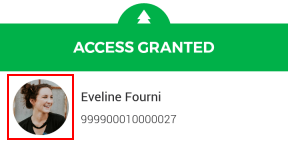
Show picture | If this option is activated, the profile picture of the visitor will be visualised in the scan result.
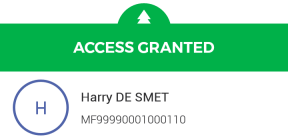
In case a customer's profile photo is not available in his/her record in the Recreatex desktop application, an icon with the initial letter of the customer's name will show instead of the photo.
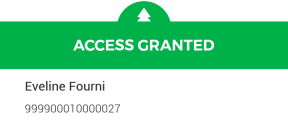
If deactivated, the profile picture of the visitor will not be visualised in the scan result.
| |||
Show extra info for memberships | If enabled, the extra info entered in Recreatex will be shown along with the scan result. | |||
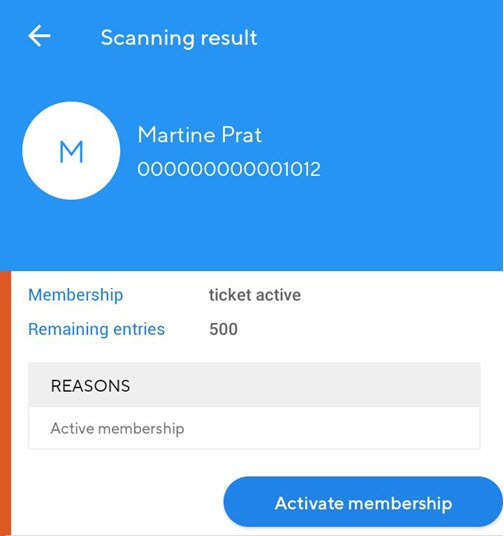
Active membership | In Recreatex, if memberships are configured to be activated on the first visit (and not upon sale), this setting can be useful. If enabled, then upon scanning a membership that is configured to be activated upon the first visit, the scan result will show access denied and you will have the option to Activate membership. After tapping on Activate the tickets, the membership will be activated and the visitor will be granted access. If disabled, then upon scanning a membership that is configured to be activated upon first visit, the scan result will show access denied and there will be no possibility to activate the membership and grant access to the visitor.
| |||
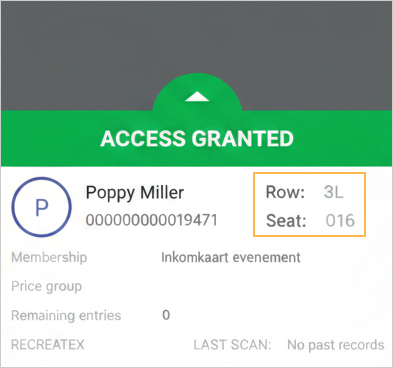
Show culture event | Allows you to control whether culture event information is displayed within the membership scan results. This option is available when working with Recreatex platform. When enabled, culture event information will be shown in the membership scan result screen.
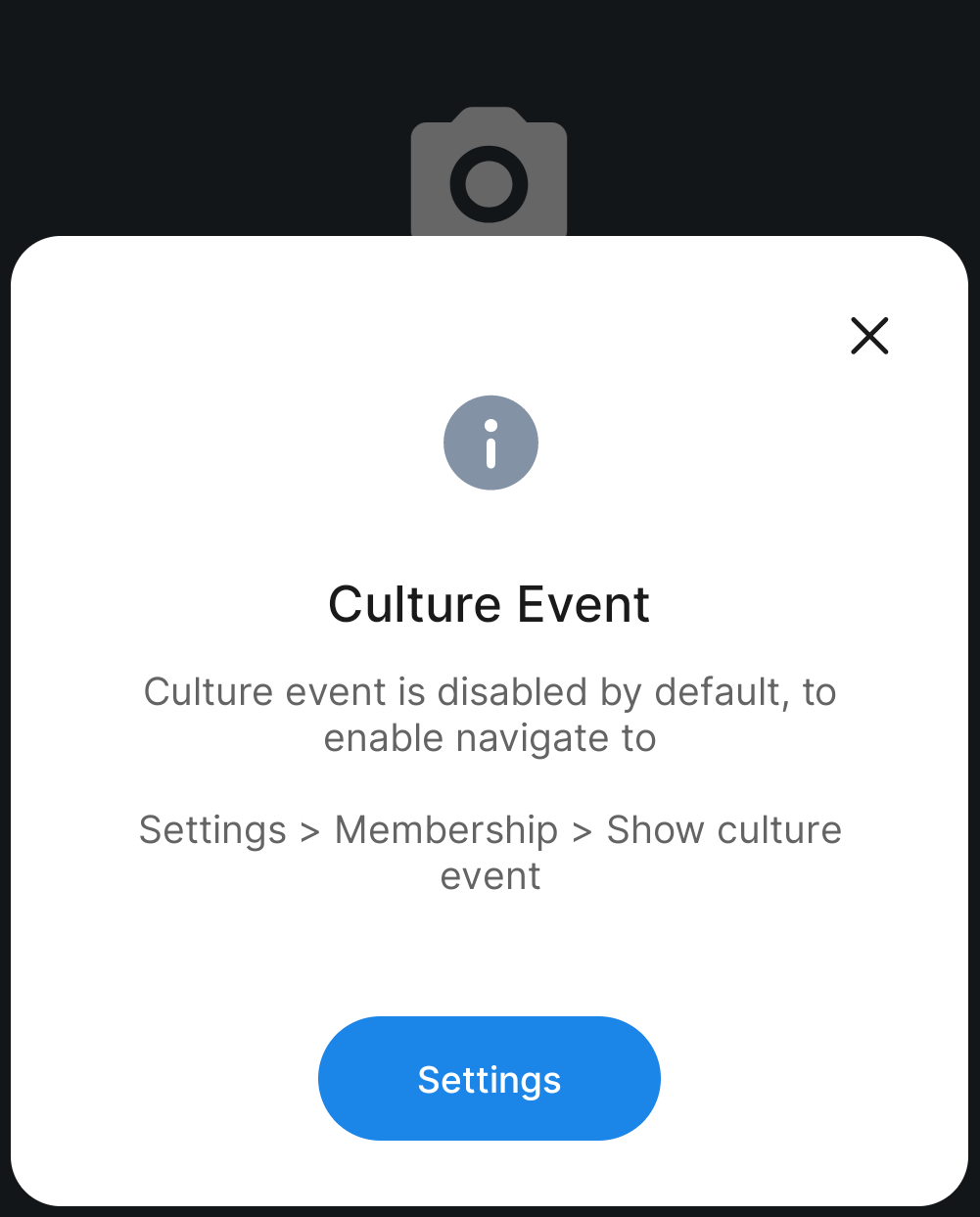
By default, this setting is disabled. On the first login, users will see a prompt informing them about this option and allowing them to enable it if required.
NoteThe culture event info is fetched from the tab Seats at the booking level in Recreatex. | |||
Enviso input format | When Recreatex and Enviso both are configured the input format is required to be added in the app configuration file. The input format (Pre-fix and length) will be shown if it is added to the configuration file. |