Zebra TC56
When using the mStock app on Zebra TC56, following device configurations must be defined.
Procedure:
Launch the DataWedge app.
Open Profile0 (default).
You can choose to configure the default profile or create a new one.
Go to Decoders.
This will open a list of decoders. Enable all the decoders on the list.
Return to the Profile screen.
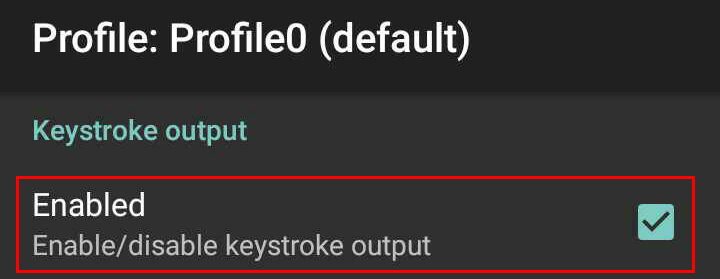
Under the section Keystroke output:
Activate the option Enabled.
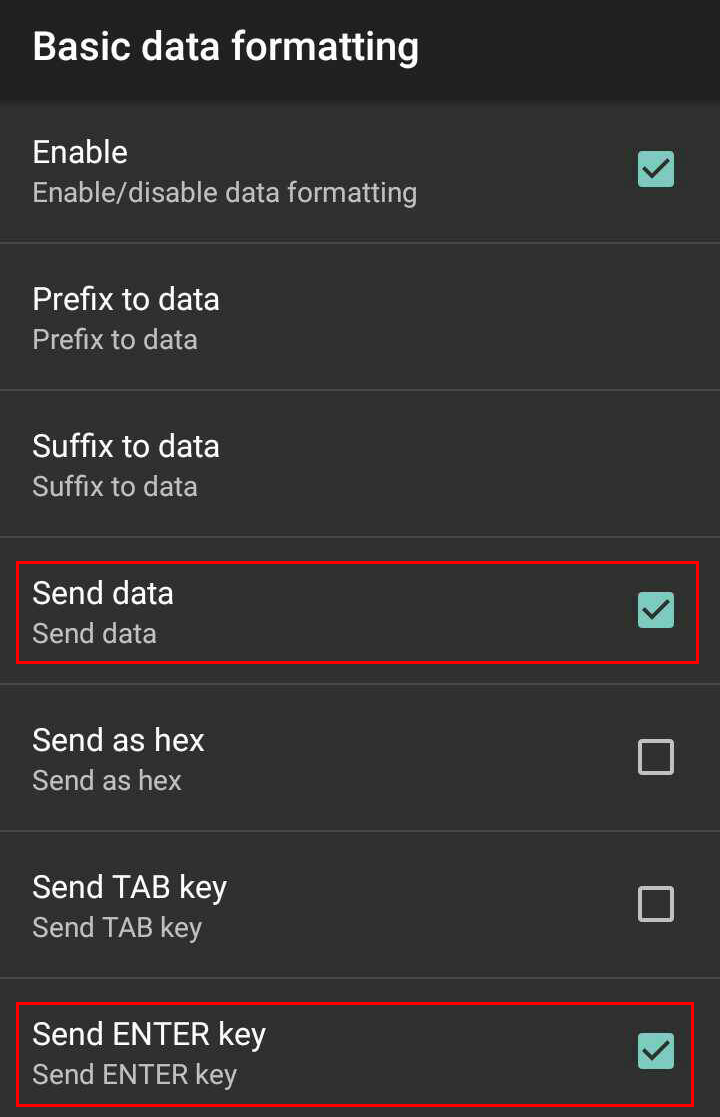
Tap on the option Basic data formatting and activate the parameters Send data and Send ENTER key.