Submit count
After you have completed scanning the items, tap Complete at the bottom of the Articles screen.
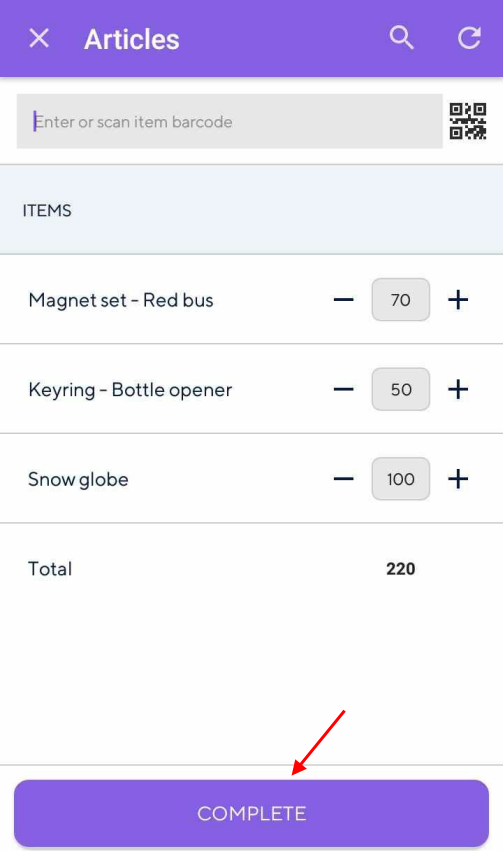 |
Alternatively, you can scan the location barcode, which will work the same as tapping the Complete button.
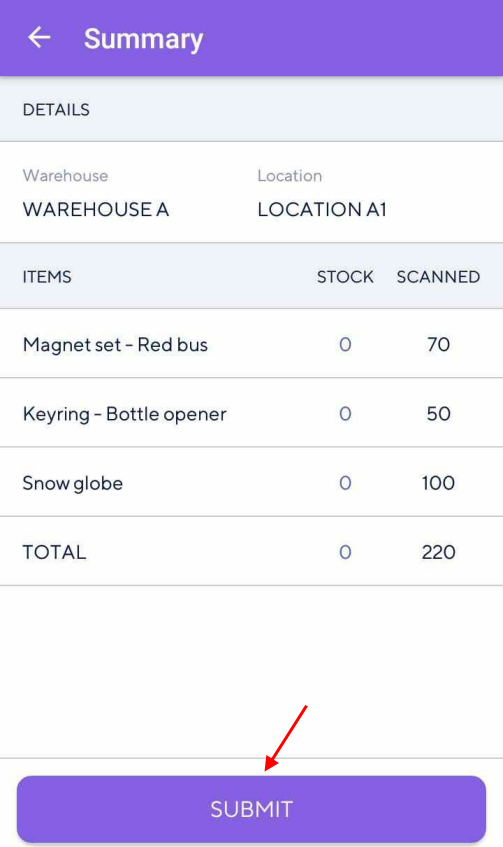
Next, the user will be navigated to the Summary screen, which contains an overview of the stock count performed for the current location.
To submit the stock count to Recreatex, tap Submit at the bottom of the Summary screen.
Alternatively, you can scan the location barcode, which will work the same as tapping Submit. However, to do so, your device should have an in-built scanner.
 |
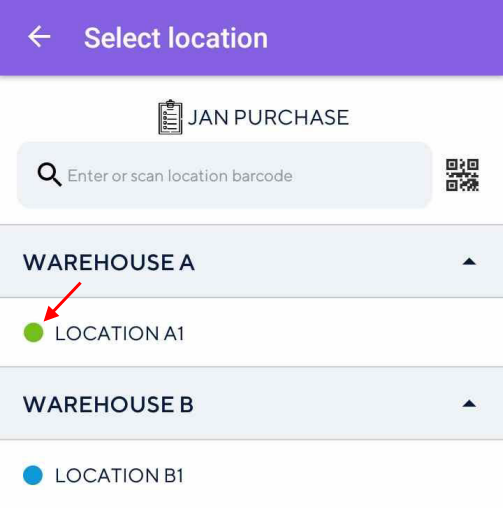
Resultantly, the location will show as completed on the Select location screen.
 |