Select location
Select a location from the list of locations.
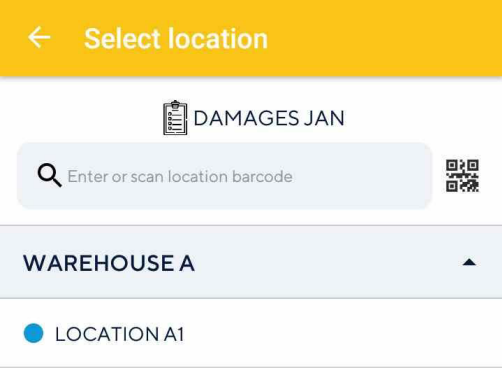 |
It is possible to select a location in any of the following ways:
Scan the location barcode to select the location for which you want to count or recount stock. You can also use the device scanner.
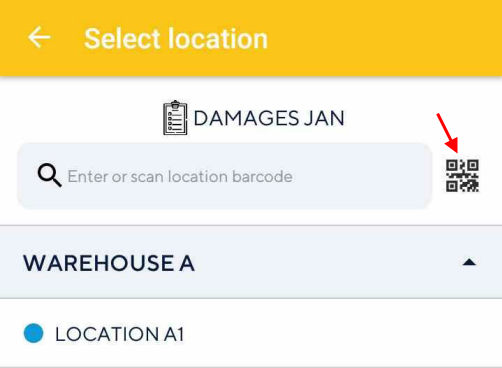
Tap the desired location, which is nested in the corresponding warehouse

Enter the location barcode manually.
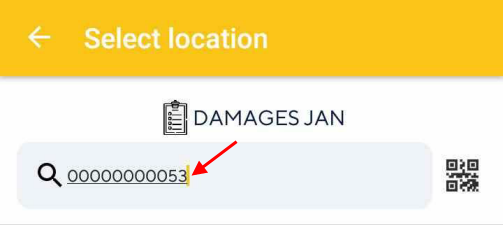
You can also add a location, if required. For a detailed description, refer Link warehouse with the journal.
Note
On the Select location screen, it is possible to filter locations for which stock count is either open (pending/in-progress) or completed. See further, Filter locations