Update stock count
On the location screen, scan the item barcode to update the stock count in mStock.
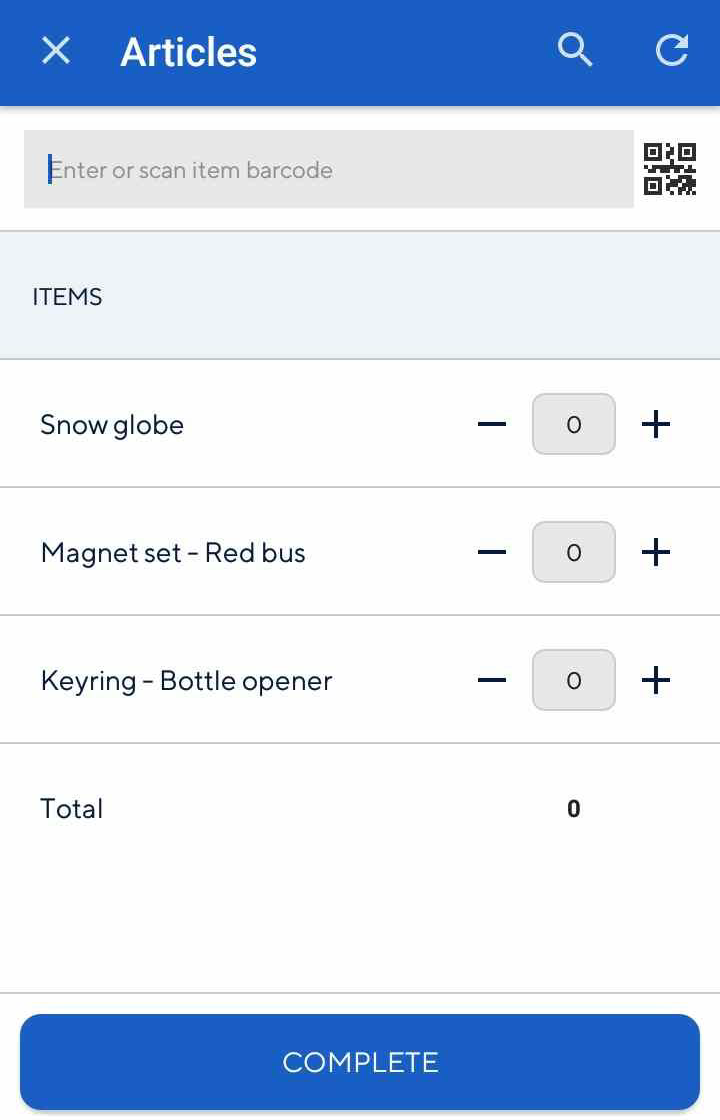 |
Note
Depending on the Recreatex parameter Propose quantity counted, the input box will be pre-filled with the system stock quantity. See further, Display of system stock
System stock quantity is the current quantity of an item in Recreatex.
You can update item quantity in any one or combination of the following methods:
Manually enter the item barcode.
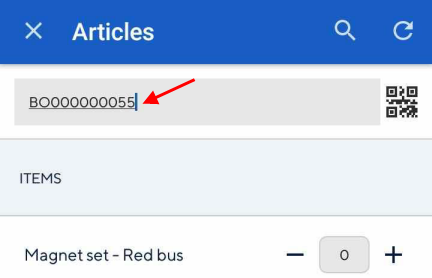
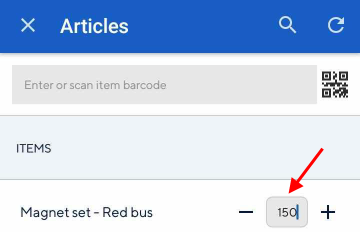
Manually enter the item quantity, by tapping on the input box and filling in the item quantity.
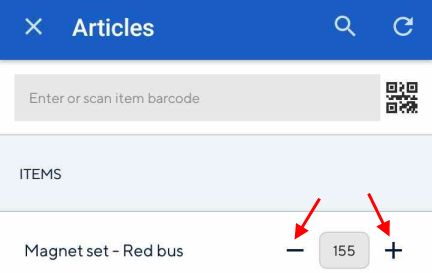
Adjust the item quantity using the + and - buttons on the sides of the input box.
Scan the item QR code using the device camera. Tap
 on the right of the input field. This will initiate QR code scanning. Now, point the device camera at the QR code of the item.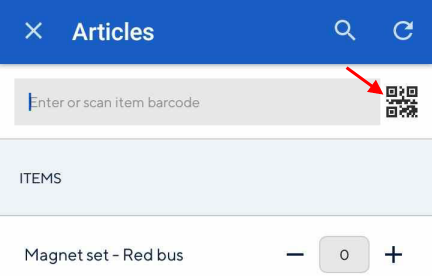
You can also use your device's built-in scanner to scan the item barcode.
Search item
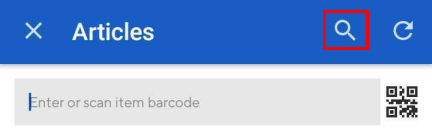
Tap on the search icon in the top panel.
 |
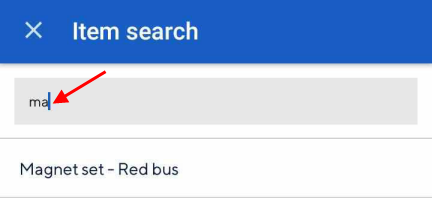
On the resulting screen, enter the item name in the search bar.
 |
Note
The search result will contain only those items which are linked with the selected location in Recreatex.
Consult item details
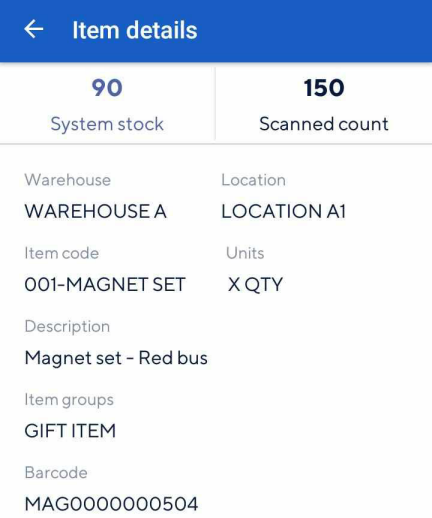
Tap an item to consult its details.
 |