Time Selection Step
Step where the users can select the moment they will visit
Tagname:
<enviso-time-selection-step>URL:
Production: enviso-time-selection-step-element.js
Empty element: Yes
Demo
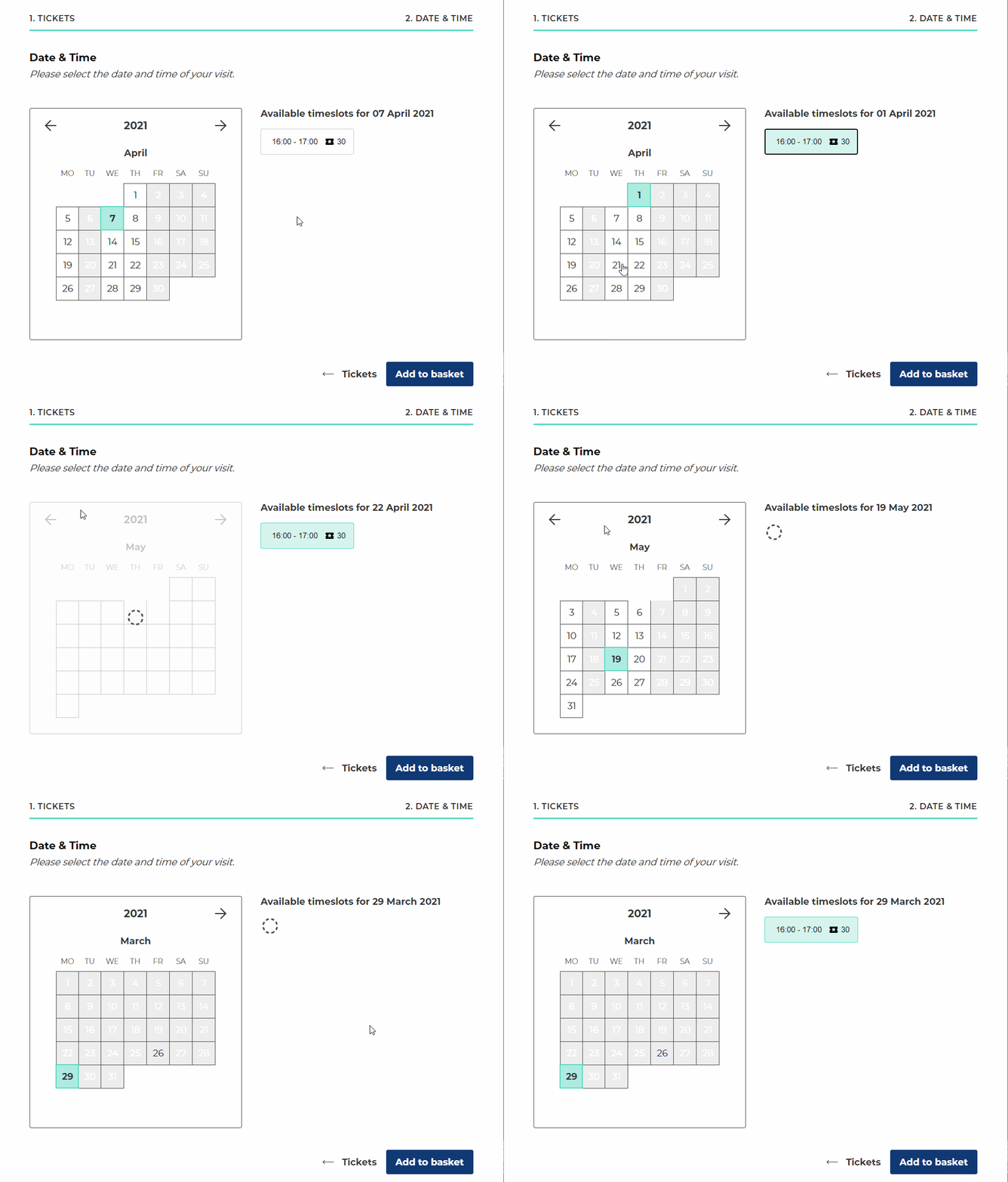
<enviso-time-selection-step>
</enviso-time-selection-step>
Slots
Name | Location |
|---|---|
bottom | Bottom |
above-time-selection-step | Above |
next-to-calendar | Next to the calendar and below time slots, if any. |
Properties
Attribute | Property | Type | Description |
|---|---|---|---|
auto-select-visit-time | autoSelectVisitTime | boolean | Flag to determine whether the first available date/time is automatically selected. Default: false |
offer-id | offerId | number | Required The id for the current offer. |
indicate-last-tickets | indicateLastTickets | boolean | Enable to show an indication when the last tickets are available (nearly sold out) or sold out. |
last-tickets-percentage | lastTicketsPercentage | number | The maximum percentage to mark tickets as last available. Default: 25 |
indicate-sold-out-tickets | indicateSoldOutTickets | boolean | Enable to also show the sold out tickets in the calendar. |
preferred-dates | preferredDates | string[] | Preferred dates to select the first day with availability. Overrides It must have the format [ |
required-tickets | requiredTickets | number | Required Property for the amount of tickets being ordered. |
guide-language | guideLanguage | string | If specified, it is the languagecode for the guide. Eg: guide-language="en" This has to be set for offers that require a guide. |
Events
Name | Description | Data |
|---|---|---|
change | When the selected date or time slot changes. |
|
Methods
checkValidity() - Validates the current step (makes sure a time is selected).
validate() - Validates the current step (makes sure a time is selected). Deprecated, use checkValidity instead.