Ticket Selection Step
The step where the users can select the amount of tickets they want to buy.
Tagname:
<enviso-ticket-selection-step>URL:
Production: enviso-ticket-selection-step-element.js
Empty element: Yes
Demo
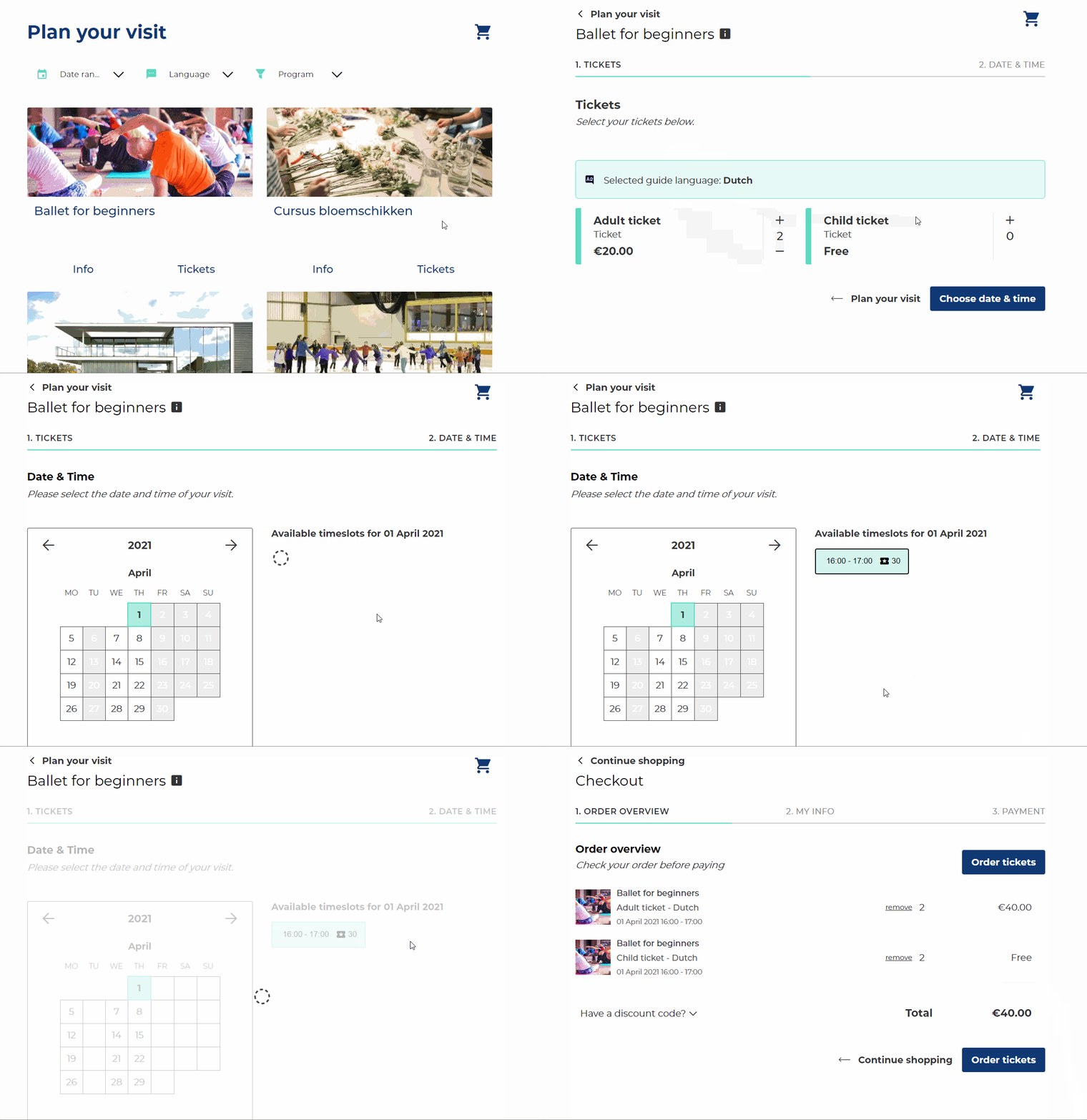
<enviso-ticket-selection-step>
</enviso-ticket-selection-step>
Slots
Name | Location |
|---|---|
above-ticket-selection-step | Above |
Properties
Attribute | Property | Type | Description |
|---|---|---|---|
offer-id | offerId | number | The offerId of the current offer |
show-offer-specs | showOfferSpecs | boolean | Determines whether or not the component shows the offer details for regular offers without guides. For other offers (group offers or regular offers with guides), the specs are always shown. |
show-offer-period | showOfferPeriod | boolean | Determines if we should show the offer period in the specs |
/ | requiredTickets | number | The total number of required tickets. |
Events
Name | Description | Data |
|---|---|---|
change | When the selected number of tickets or guide language changes. |
|
ticketsselected | Triggered when the user goes to the next step. |
|
Method
checkValidity() - Validates the current step (makes sure you have selected a ticket).
validate() - Validates the current step (makes sure you selected a ticket). Deprecated, please use checkValidity instead.