Widget
From the tab Widget, you can configure parameters for your Enviso Ticketing widget.
Note
The widget settings are applicable only for the Enviso Ticketing widget.
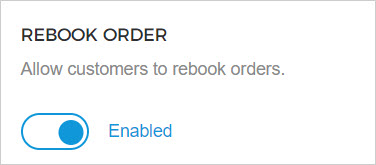
Rebook order
Allows a visitor to rebook an order from their visitor profile registered on the Enviso Ticketing widget.
If Rebook order is enabled, you can configure various settings related to rebooking. When enabled, you can also allow rebooking at the offer level in the Sales app.
Rebook settings
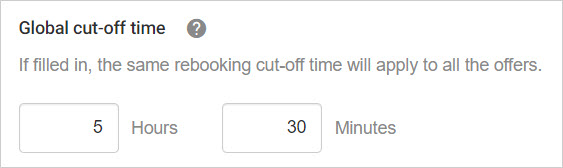
Global cut-off time
The cut-off time refers to the latest time before the scheduled visit time slot when a booking can still be rebooked. The defined cut-off time will be applied to the new visit time.
If filled in, the same rebooking cut-off time will apply to all the offers. If left blank, the cut-off time defined at the offer level in the Sales app will apply.
Note
This cut-off time will overwrite the rebooking cut-off timing defined at the offer level for all the offers.
It is useful, for example, when you wish to have a standard cut-off timing for rebooking orders of any offer.
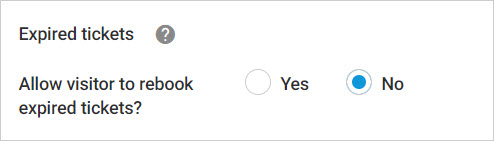
Expired tickets
If allowed, the visitor will be able to rebook expired and unscanned tickets from their visitor profile on the Ticketing widget.
Cancel order
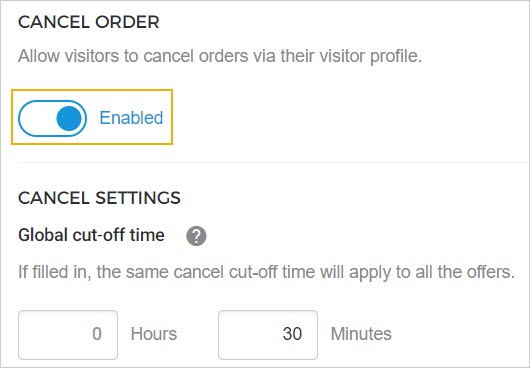
Allows a visitor to cancel an order from their visitor profile registered on the Enviso Ticketing widget.
If Cancel order is enabled, you will have the option to define the cut-off time until when tickets can be cancelled before the visit time.
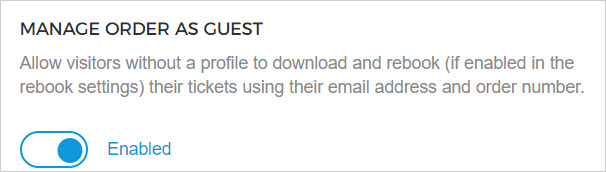
Manage order as guest
If enabled, it allows visitors without a profile to download tickets and rebook orders without having to create or log into their profile on the Ticketing widget. A guest user can do so by using the order number and their email address.
Note
To be able to rebook order as a guest, the setting Rebook order must be enabled.
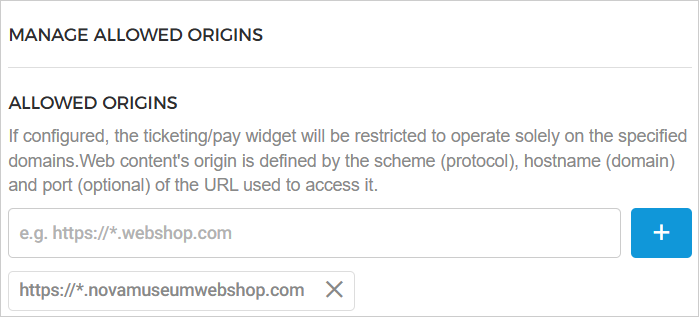
Allowed origins
Specifying the allowed origins ensures the ticketing/pay widget will be restricted to operate solely on the specified domains. Instead of validating the full URL, only the origin is validated. Web content's origin is defined by the scheme (protocol), hostname (domain) and port (optional) of the URL used to access it.
If no domains are set, the ticketing/pay widget can be displayed on any page.
This action is logged in the audit records.
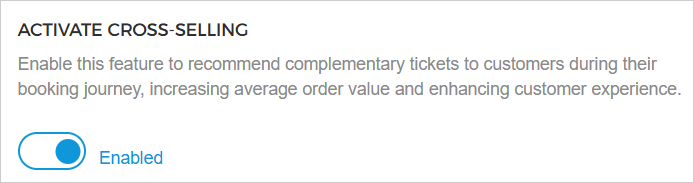
Activate cross-selling
Allows venues to enable cross-selling offers. Once enabled, customers will see complementary offer recommendations on the Ticketing widget during the booking process based on the cross-sell rules configured in the Enviso Sales app.
Note
The setting to activate cross-selling will be visible if 'Cross-sell rules' is enabled for your venue by Vintia support.