Setup Google Analytics 4
Login to your Google Analytics account.
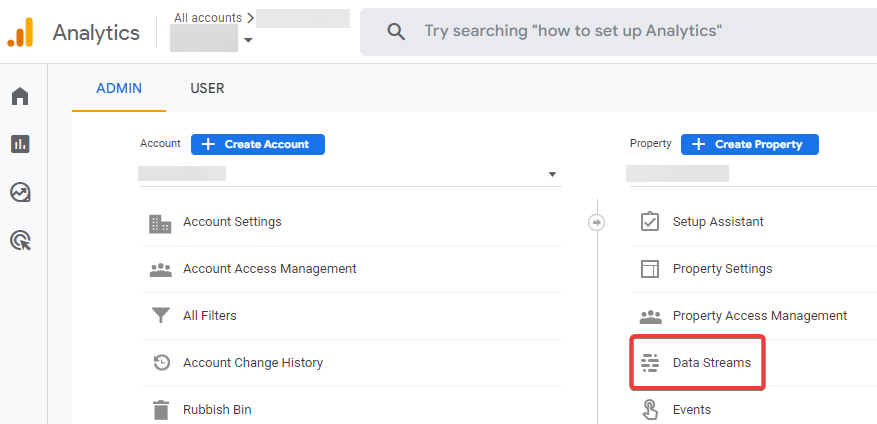
Create a new data stream via Admin > Account > Property > Data Streams.
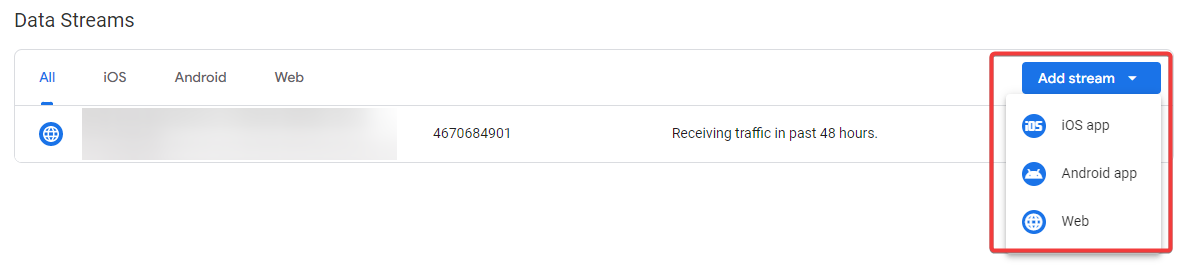
Click the Add streams dropdown, and select the source type you want to stream. Select Web as the source type.
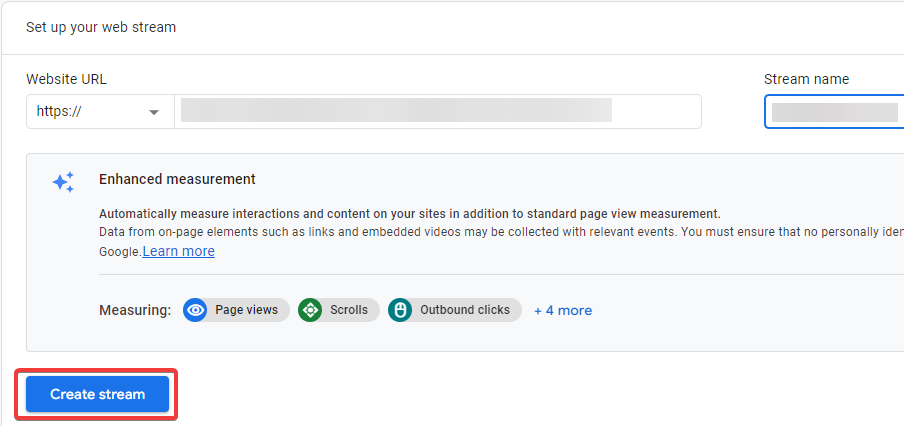
Set up web stream.
Fill in the URL of the website hosting the Ticketing widget and choose a stream name. Thereafter, click the Create stream button. Ignore the installation instructions by clicking the close button.
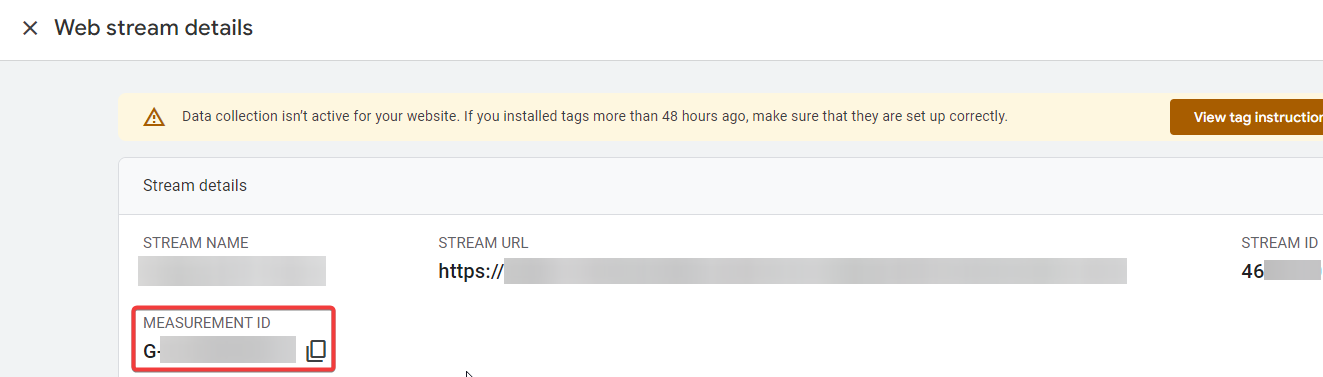
Copy the Measurement ID (identifier starting with
G-)so that it can be used in the setup of Google Tag Manager. You can find it again in Admin > Data collection and modification > Data streams > your stream.