End partnership with guide
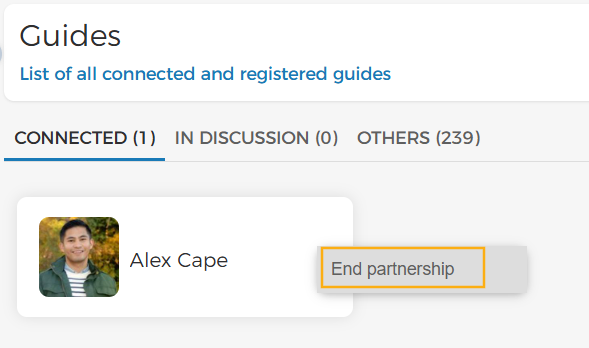
From the page Guide, hover over a guide's card with whom you wish to end the partnership. Select End partnership from the more options menu.
 |
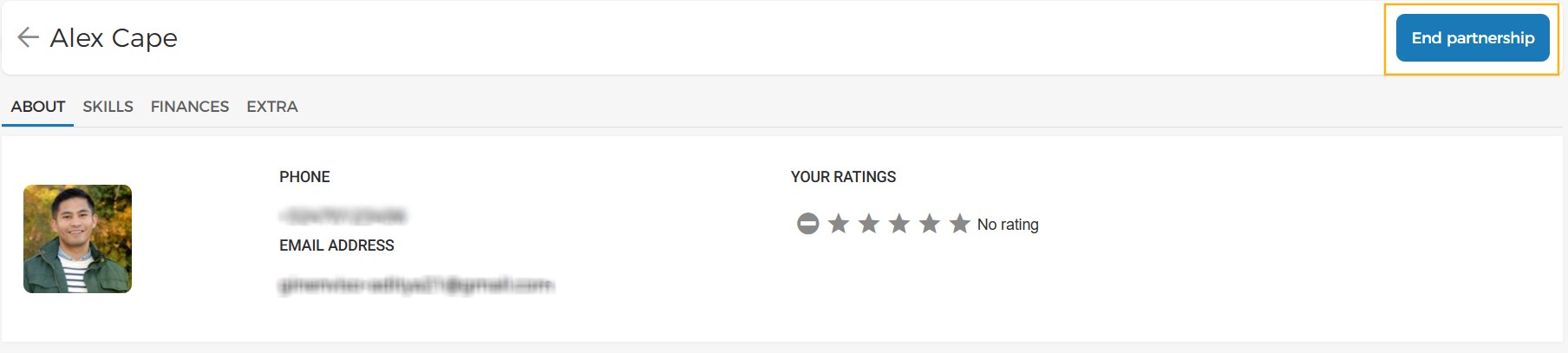
Alternatively, you can go to the guide's details page and click End partnership.
 |
Note
When you end partnership with a guide, the guide will appear in the Others tab and the outstanding tasks of the guide will automatically be unassigned. You will need to manually assign those tasks to another guide.