Edit task
Click on the task you wish to edit . On the resulting side menu, click edit task at the bottom of the task details.
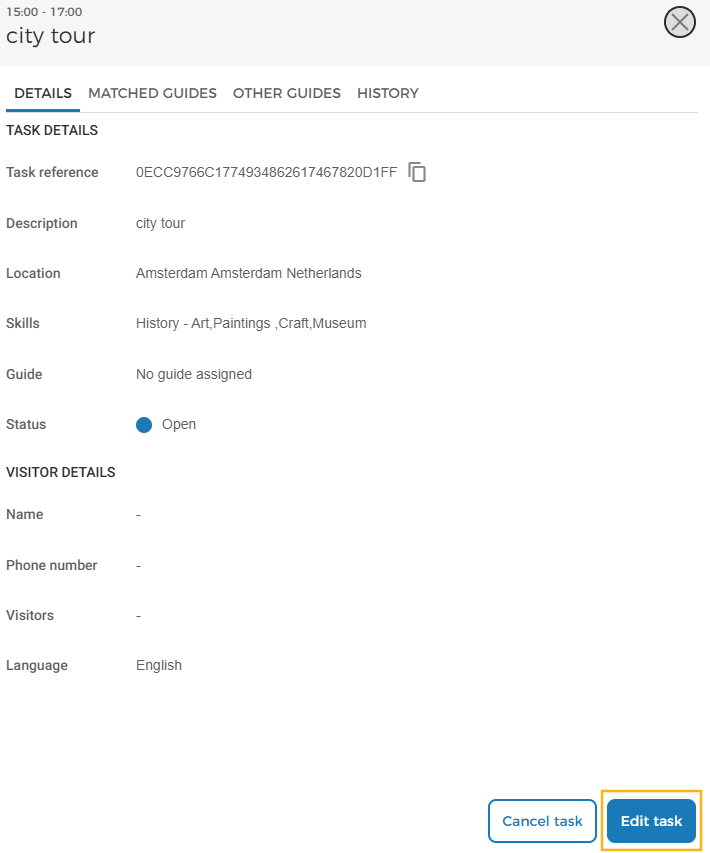
It is possible to edit a task for a future date and time, and has the status Open or Awaiting Confirmation.
For automatic tasks, it is possible to edit the visitor details. For manually created tasks, only the task description can be edited.