Consult partners
On the page Partners, it is possible to consult and categorise partners.
Select a partner to view his/her reselling organisation profile.
In the Connected tab, you can search partners, filter partners by tags, and alphabetically sort the list of partners from the top-right corner of the Partners page.
 |
Note
When filter is applied on the Partners page, the filter icon will turn blue  .
.
Partners in discussion
The tab In discussion lists partners who have sent you a partnership request, and you have neither accepted or declined yet. It also contains partners to whom you have sent a partnership request, and they are yet to accept/decline it.
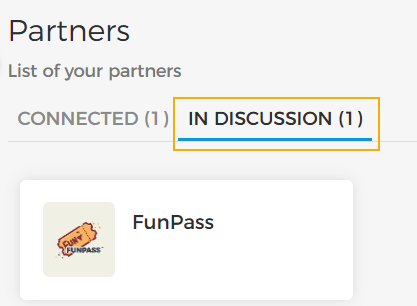 |
If a reseller has sent you a partnership request, you will be able to accept or decline the request from the reseller's profile page.
 |
Connected partners
The tab Connected lists partners with whom partnership has been established.
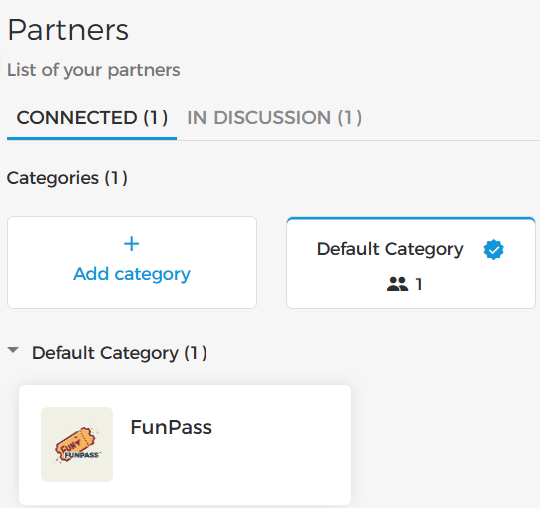 |
Partner details
On the partner detail page, you can consult the partner's profile from the tab About. You can also consult the Terms of reselling from the tab Terms.
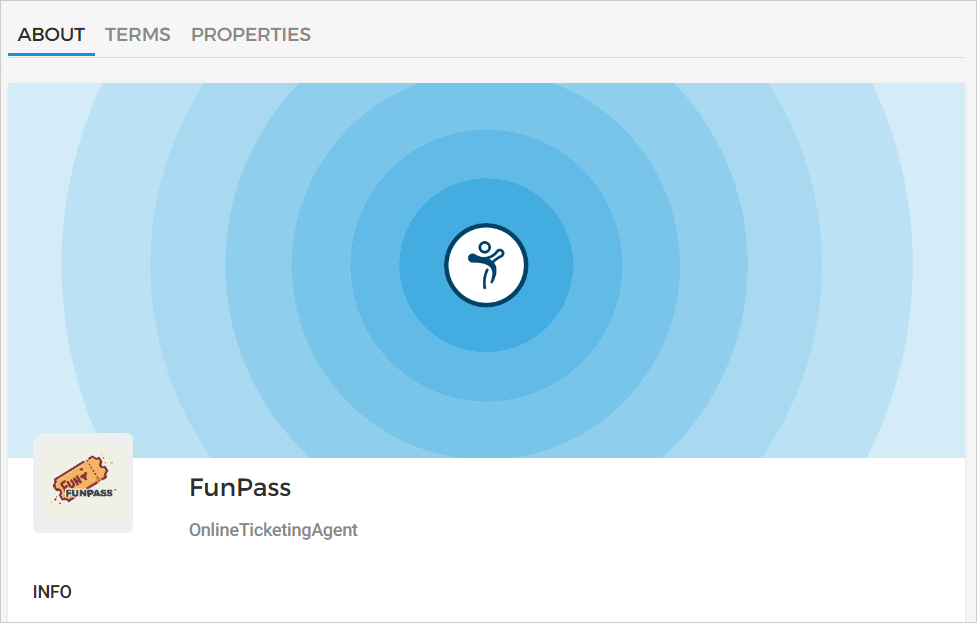 |
Finally, the tab Properties contains various partner configurations set by the venue.
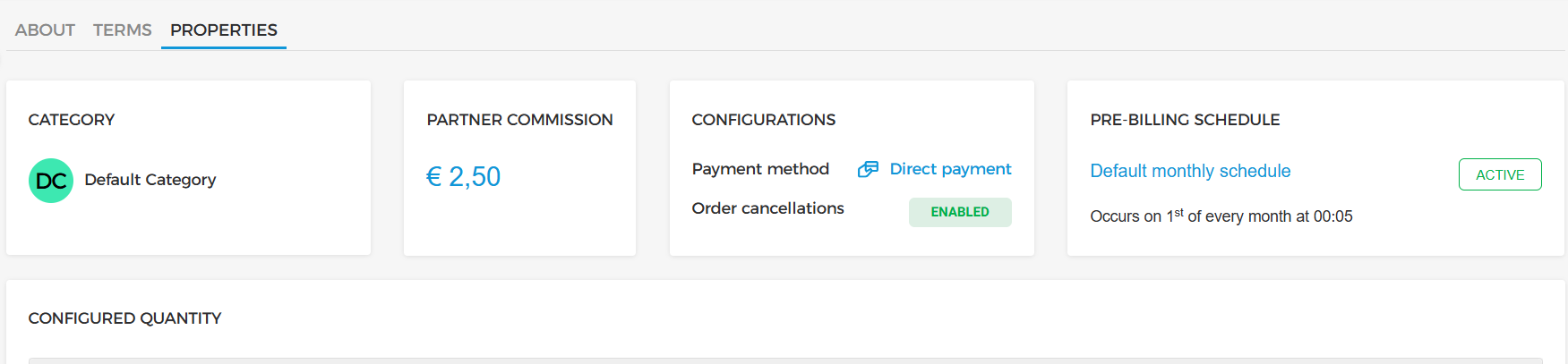 |
Edit category configurations
Hover over the Category card and click on the edit button to configure settings on the category-level. For more details, refer Configure category
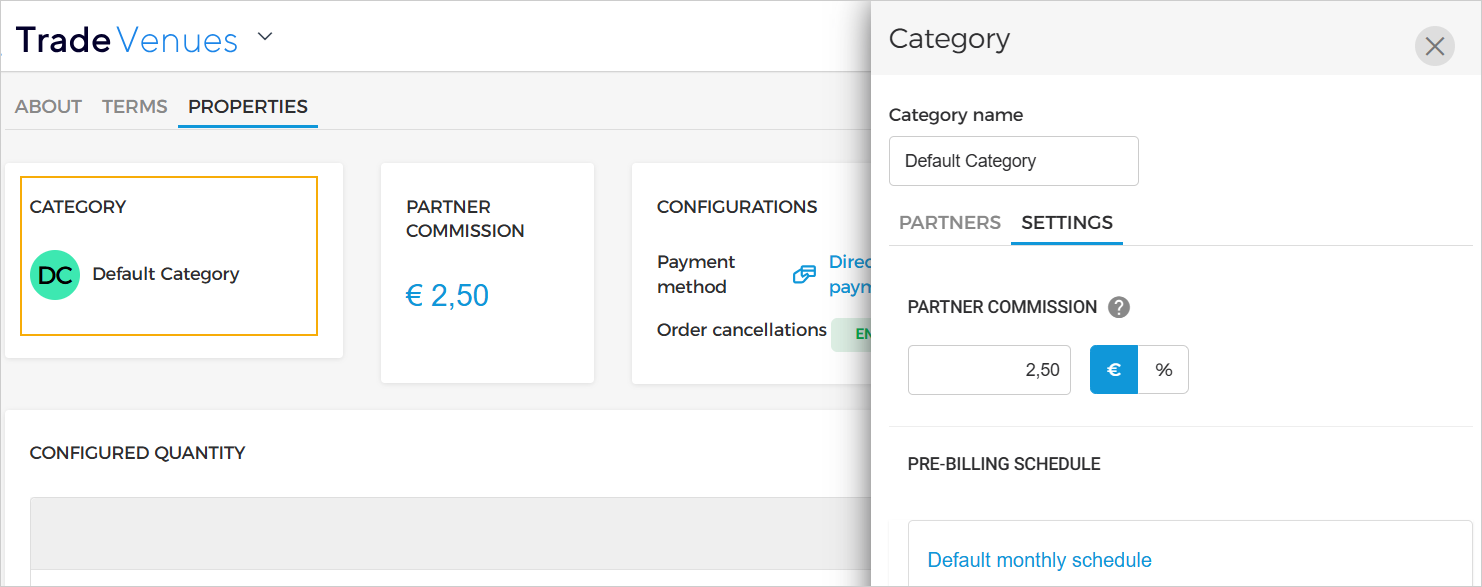 |
Edit partner configurations
Hover over the Configurations card and click on the edit button to configure settings on the partner-level. You can configure the Payment method and Partner permissions. For more details, refer Configurations.
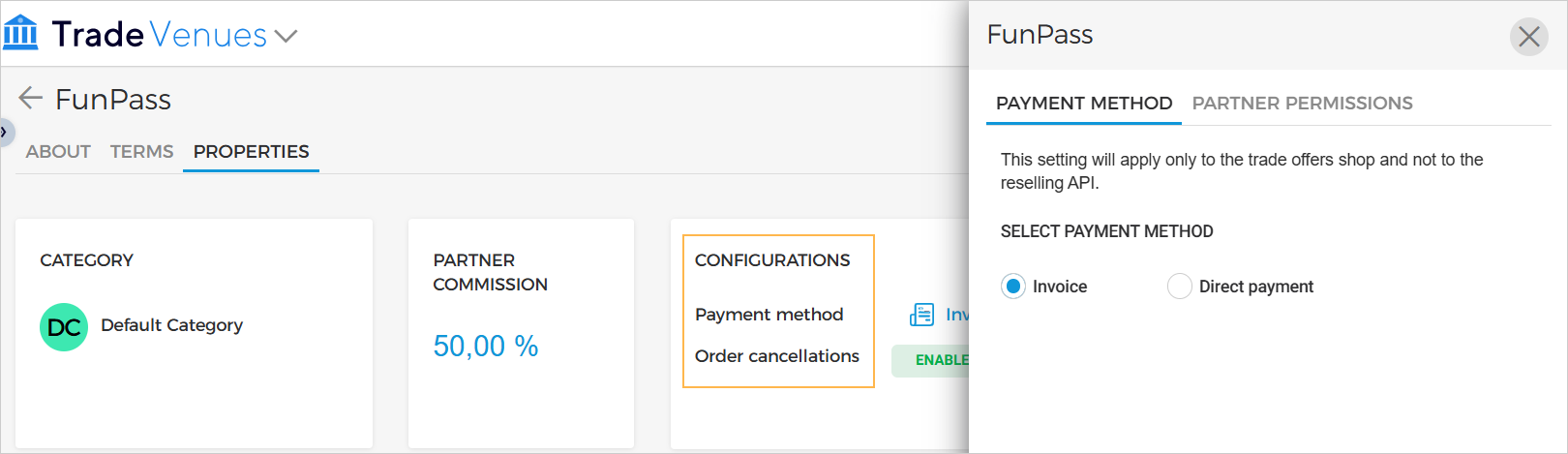 |