Assign tags to partners
It is possible to assign tags to a partner, which can be used for filtering the partner list. A maximum of five tags can be assigned to a partner.
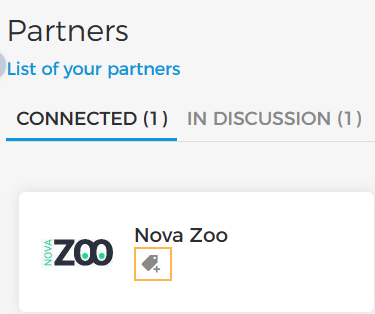
On the Partners page, under the tab Connected, click on the add tag button corresponding to the partner for which you wish to add a tag.
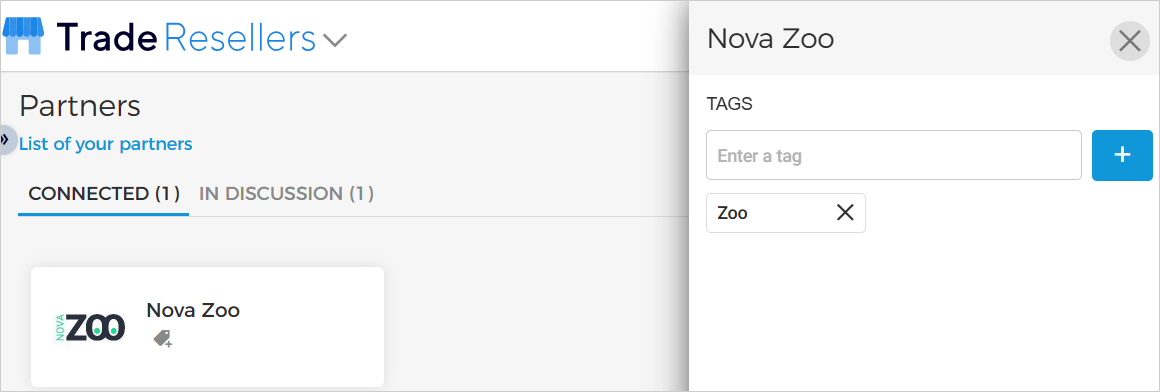
As a result, the right-side menu will appear for assigning tags. Enter a tag in the text box, and click the add button.
A tag will be assigned to the partner.
 |
Remove tag
To remove a tag added to a partner, click the cross on the tag.