Profile settings
Tapping on your profile image will lead you to the settings screen for the TaskFlow application.
My Calendar
In the profile settings, My Calendar allows you to define time slots when you are available to take up new tasks. You can also consult and manage the tasks assigned to you.
Preferences
Show bookings | If enabled, you will be able to use the Bookings section of the TaskFlow app. |
Show activities | If enabled, you will be able to use the Activities section of the TaskFlow app. |
Language | Allows you to select an app language from English, Dutch, French, and German. |
Currency | Allows you to select the currency symbol that will show for data such as rental item price, booking price, and so on. |
Help & feedback
The section Help & feedback allows you to consult the release notes and the documentation for the TaskFlow application.
About
About the application: Consult the TaskFlow app version information.
App update: Tap to know if a new version of the TaskFlow app is available. If a new version is available, you will be able to update your TaskFlow app to the new version.
App tracing
It allows you to send activity logs to Vintia support for troubleshooting purposes. For certain troubleshooting, the Vintia support team requires your activity logs. In such situations, use the App tracing setting.
Tap Get started and perform the series of actions leading you to the issue you need resolution for.
Thereafter, go back to the App tracing setting and tap Upload logs. This will automatically send the activity logs to Vintia support.
If you wish to start app tracing again, tap Restart diagnostics collection.
Warning
We recommend running app tracing only if your support representative has asked you to do so.
Cookie settings
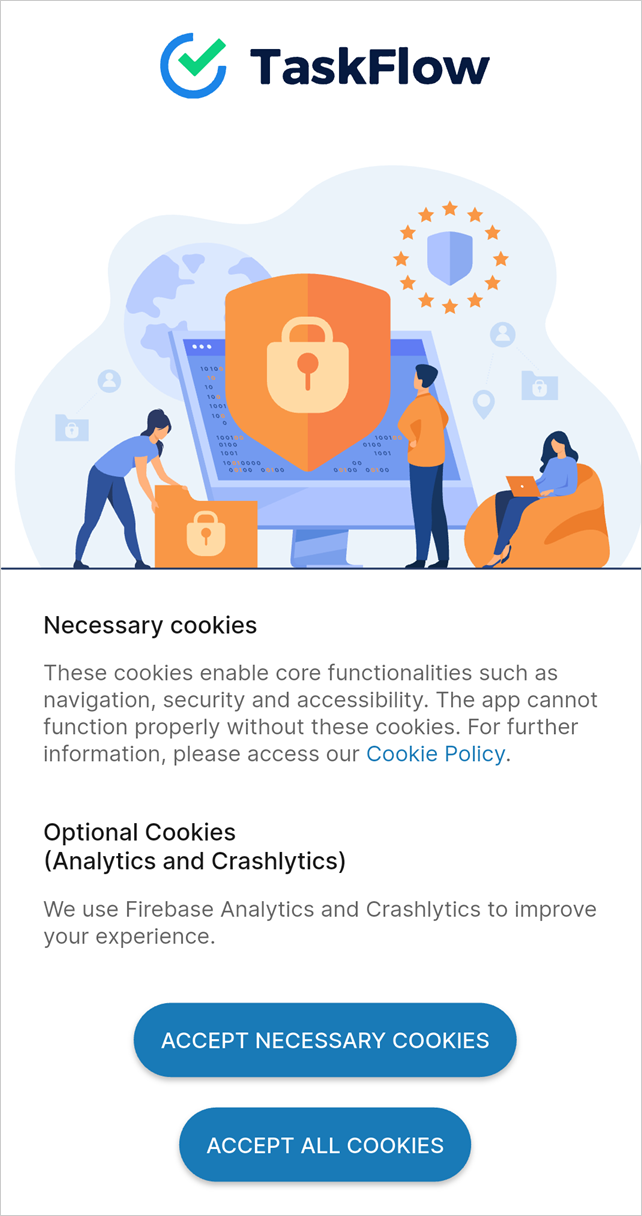
You can consult the Cookie policy and choose to allow optional cookies. The optional cookies cover Analytics and Crashlytics tracking to improve your user experience.
However, upon fresh installation, you will see the consent screen to accept all or only the necessary cookies
 |
Change configuration
Allows you to change the app configuration.
Log out
Tap Log out to end the current session and log out of the application.
User profile icon
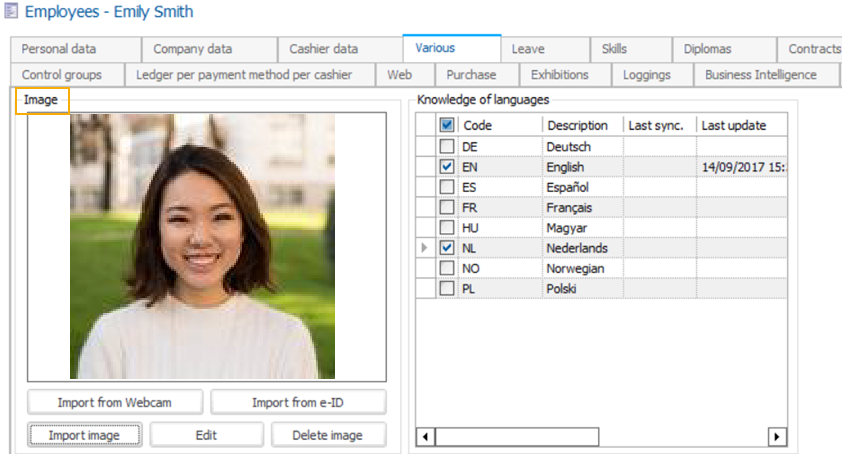
The icon displayed in the top-left corner of the Bookings screen can be modified from Recreatex. On the employee card, go to tab Various and upload the desired image.
 |