Log out
Log out from the screen
To log out from the current screen, click Log out in the left panel.
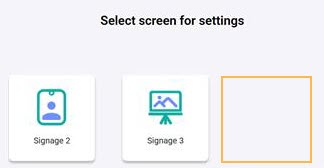
Once logged out, the screen is removed from the list of screens for the logged-in user, and the connection to the signage display for that screen is disconnected. Note that the current screen has been removed.
 |
Log out from the Infoplay app
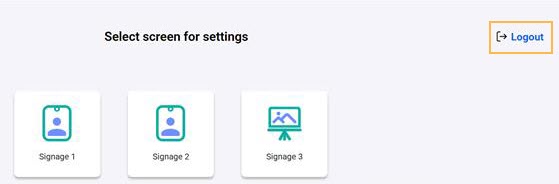
To log out from the Infoplay remote app, navigate to the screen selection page and click Logout.
 |
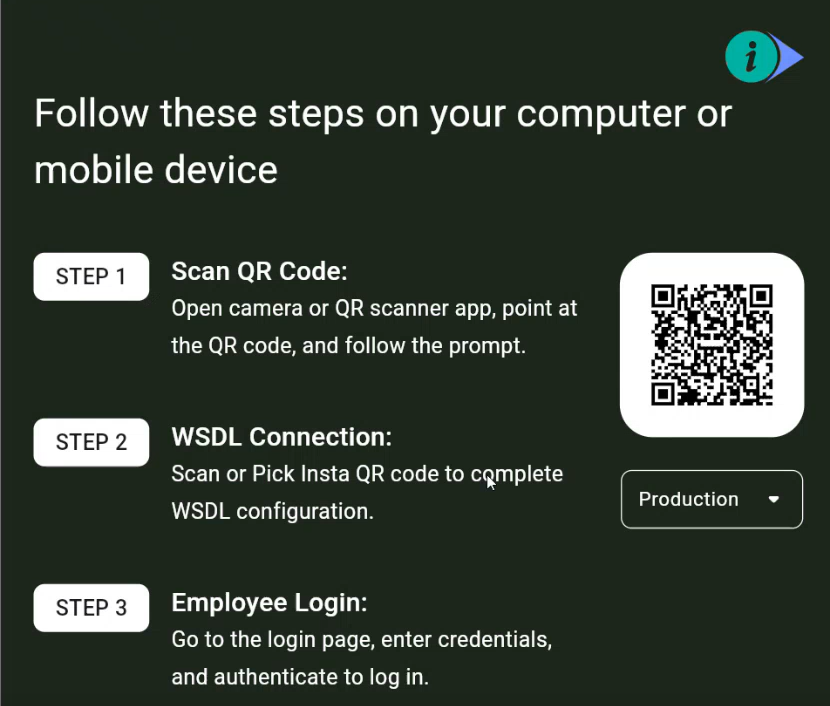
If a screen was removed in a previous login session, then upon logging in again with the same employee credentials, you will have the option to add a new screen to the signage display.
 |