Nov 12, 2025
Sales
Create group offers with flexible pricing and pass configurations
You can now create group offers with flexible pricing and pass generation options for time slot offers. Previously, time slot offers included three types: Regular offer, Group offer with individual tickets, and Group offer with group tickets. With this update, time slot offers can be configured as either Regular or Group.
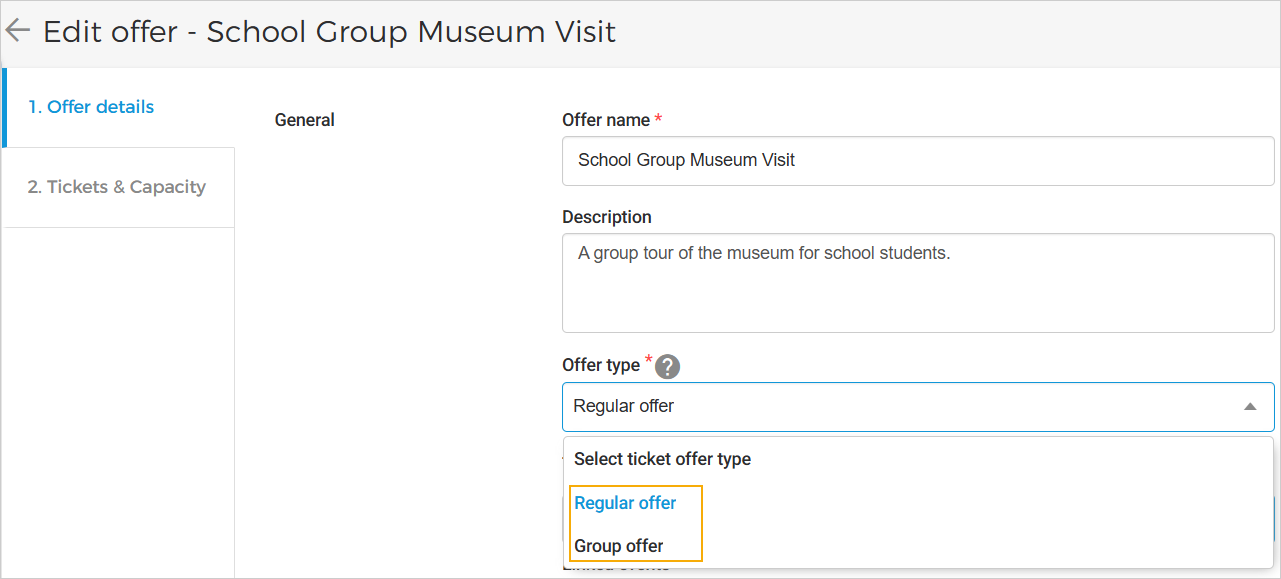 |
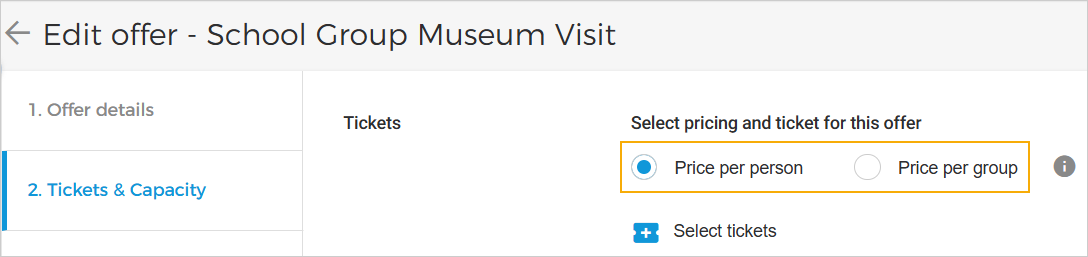
When you select Group offer in the Offer details tab, the Tickets & Capacity tab will allow you to define ticket pricing per person or per group.
 |
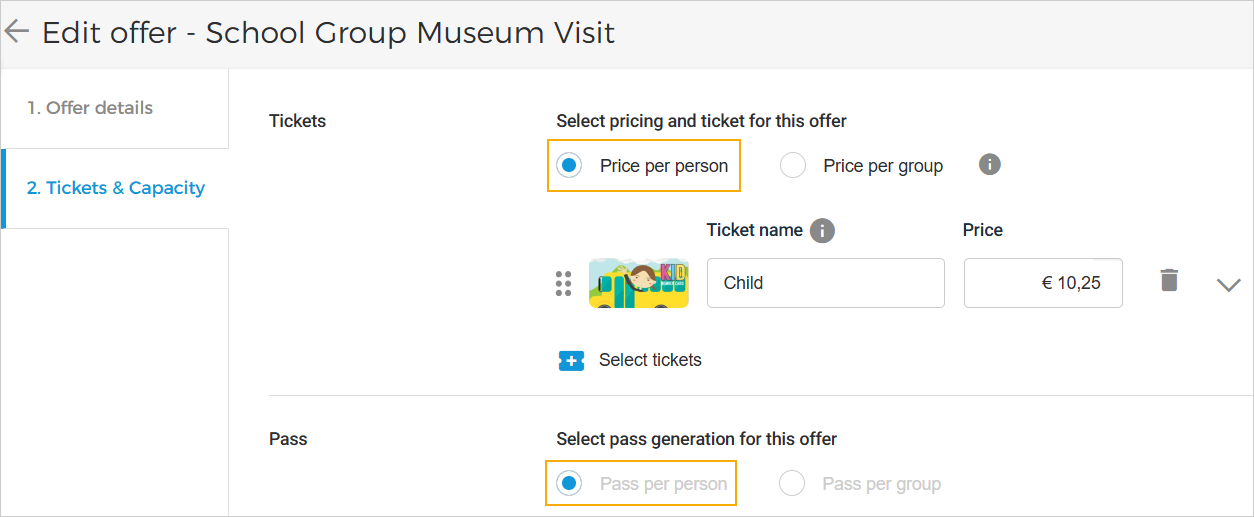
Pass generation is automatically determined based on your pricing and ticket configuration:
If pricing and ticket selection is:
Price per person, then the pass generation will be Pass per person.
Price per group, then the pass generation will be Pass per group.
 |
Configure pass validity for scanning and rebooking at offer level
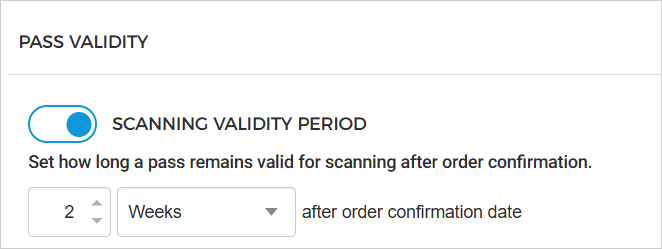
You can now configure the pass validity period at the offer level. For Total offers, you can define how long a pass remains valid for scanning after the order confirmation date. This setting is available in the Visit tab on the offer details page.
 |
Note
To display the scanning validity period on the visitor pass, use the Pass validity field in the product template.
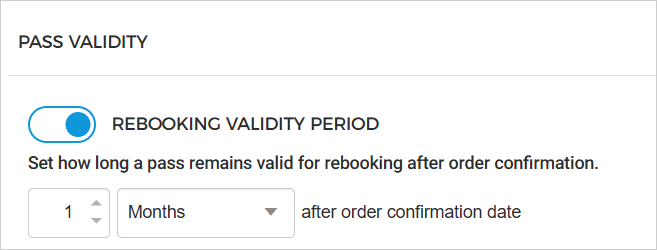
For Per day and Time slot offers, you can configure the rebooking validity period. If enabled, this determines how long a pass remains valid for rebooking after the order confirmation date. This setting is also found in the Visit tab of the respective offer types.
 |
Important information about rebooking validity:
If the venue wants visitors to rebook tickets even after the visit date has passed, enable the admin setting Allow visitor to rebook expired tickets.
The rebooking validity period applies only to visitor-initiated rebooking from the Ticketing widget.
Venues can still rebook orders from the Orders page, regardless of the defined rebooking validity period.
Enhancements
For group offers with Pass per Group, you can now order up to 1000 tickets per offer or per order when purchasing through direct channel sales points. The existing basket limit of 100 products remains unchanged.
When guide settings are updated for an event in inactive status (from the Booking app), the updates will now be applied to all offers under that event. These changes will take effect for new orders placed after the updates are saved and will not affect any previously placed orders.
Admin
Enhancement
Venue users can now configure the 'Pass validity' field in the product template.
Ticketing widget
Enhancements
The system now allows or restricts order rebooking based on the 'Rebook validity period' configured in Enviso Sales (Offer Details > Visit tab). This setting is available for Per Day and Time Slot offers.
Pass scanning is validated according to the 'Pass validity period' configuration defined in Enviso Sales (Offer Details > Visit tab). This option is available for Total offers.
Direct selling API
Added
rebookingValidTillfor the endpoints Get order detail and Get order detail for visitor.