Feb 18, 2026
Sales
Enhancements
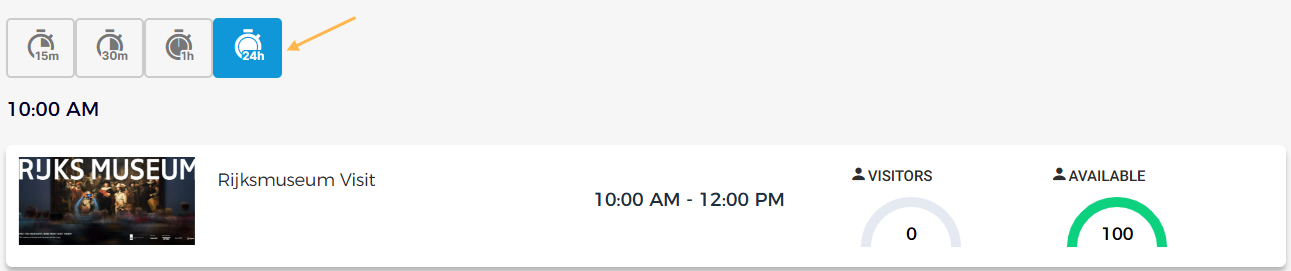
Quota dashboard: You can now select a '24-hour' interval on the quota dashboard page and view all offers for which a quota is applied within the selected interval.
Rebook orders: Orders can now be rebooked until 23:59 on the last validity day.
Notification: Venue users can filter notifications by read or unread status and mark messages as read or unread.
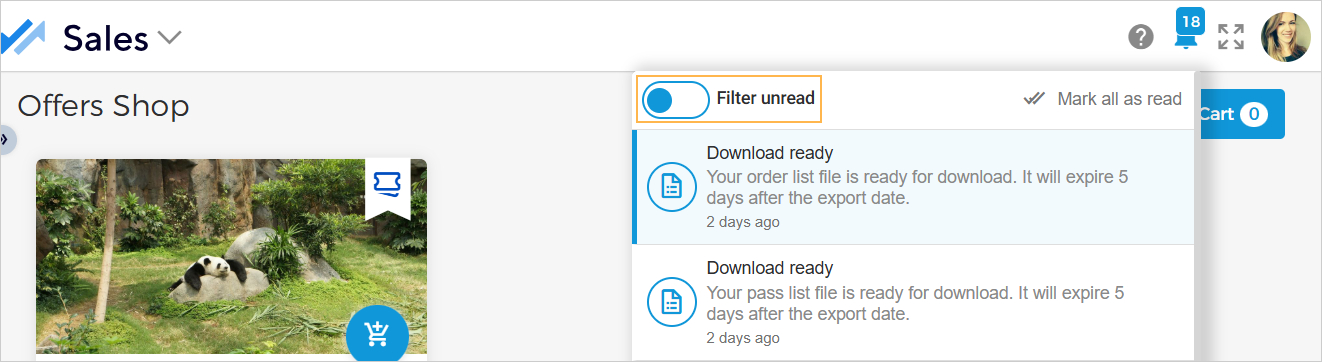
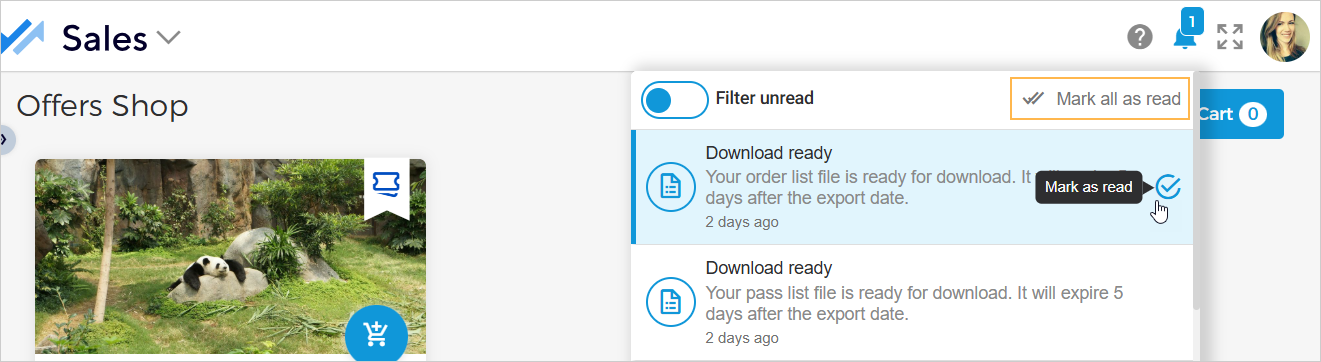
When you hover over a notification, you can individually mark the message as read or unread. It is also possible to mark app as read.
External codes: You can now view and select offer categories in external codes. The external codes will be issued based on the selected external code type for all offers within the chosen category.
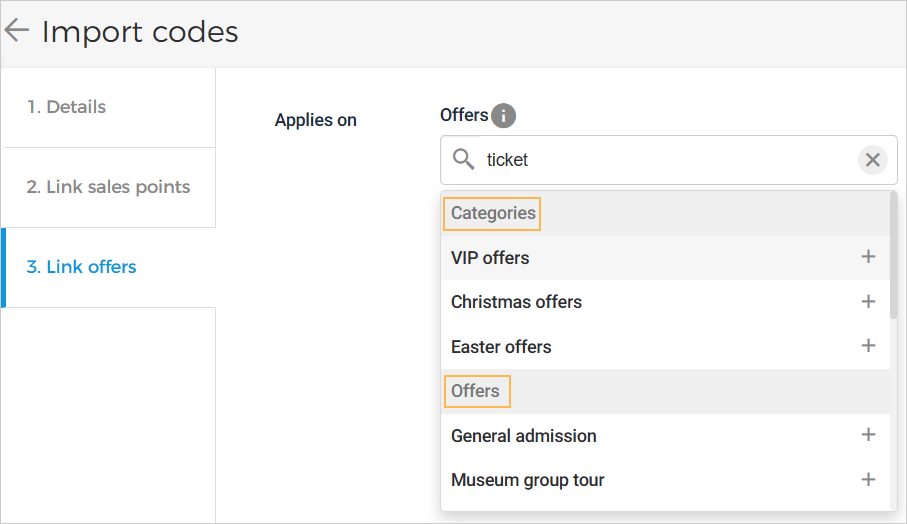
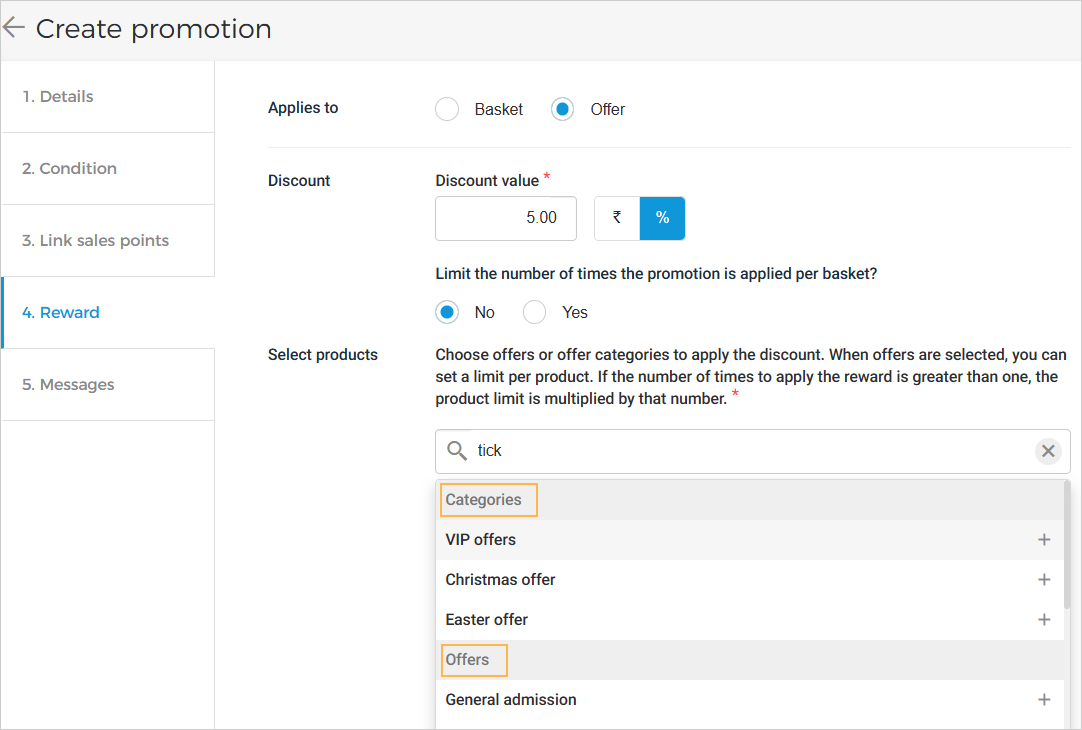
Promotions: You can view and select offer categories in the Promotions offer/product selection option. Promotion will be applied to all ticket offers in the selected category.
Configure bookable time slot limits for cross-sell offers
When the trigger for cross-sell offer is selected as Date selection, you will have the option to configure cross-sell time slot limits relative to main offer from the tab Condition.
 |
If the Cross-sell time slot limits option is enabled, you can define the bookable time window (from and to). You can also specify whether this bookable window applies before/after the start time or before/after the visit end time. It is possible to add multiple bookable time slot limits.
Example: The bookable time slot limit is set from 3 hours up to 2 hours before the visit start time. This means that if the main offer's time slot is 11am to 12pm, the visitor can book the cross-sell offer linked to the main offer from 8am to 9am on the same day.
Admin
Enhancement
Venue users can manage reseller product templates in the Admin app instead of the Trade for Venues app. It is possible to create, update, and consults indirect channel product templates in standard size (pdf format) from the Admin app.

Note
The possibility to view reseller templates in the Admin app is available only to specific venues . You can request Vintia support to enable this feature for your venue.
Trade for Venues
Enhancement
The venue will receive a notification when a previously deactivated partner reseller tenant is reactivated. If you wish to sell offers through the reactivated reseller, you need to add the reseller again at the offer level under the Channels tab.

Trade for Resellers
Enhancement
The reseller will receive a notification when a deactivated partner venue tenant is reactivated. To sell the venue’s offers again, you need to send a new request to sell the offers.

Ticketing widget
Enhancement for cross-sell offers
Visitors can book cross-sell time slots only within a configurable time window relative to the main offer’s time slot, preventing bookings outside the defined range. This window is defined from the Sales app (Create cross-sell rule > Condition > Cross-sell time slot limits).