Jun 25, 2025
Sales
Deactivate a product
It is now possible to deactivate an active product from the Products page.
System product VAT rates
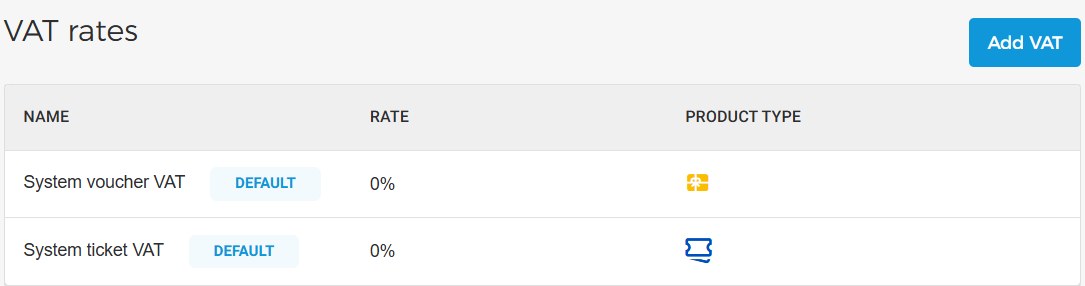
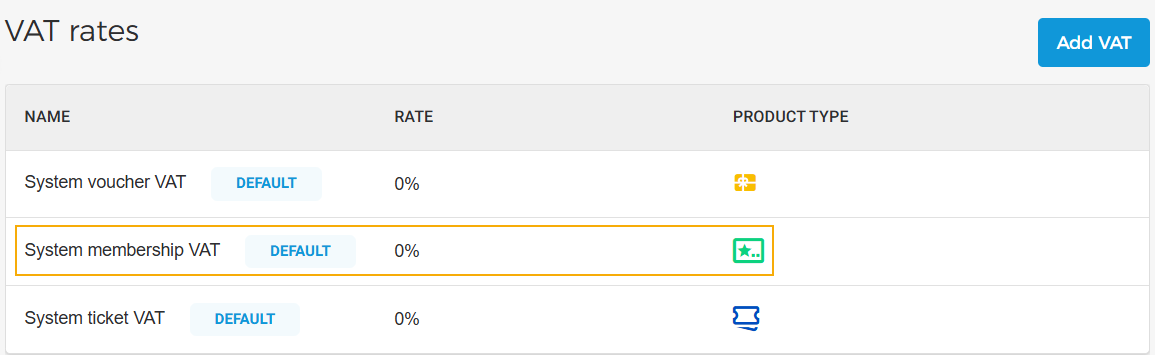
All products are now automatically linked to the system VAT (default) with a 0% rate, based on their respective product type. You can edit the VAT or add new VAT rates as needed.
When the ‘Membership Offer’ feature is enabled for a venue by Vintia Support, the system VAT rate for memberships will appear on the Product VAT page.
Add a condition for cross-sell rules
Note
The feature to use the cross-sell rules is available only to specific venues. You can request Vintia support to enable this feature for your venue.
You can now define when the cross-sell item should be displayed by setting specific conditions based on offer or product selection, date, or other criteria. This helps control the visibility of the cross-sell offer.
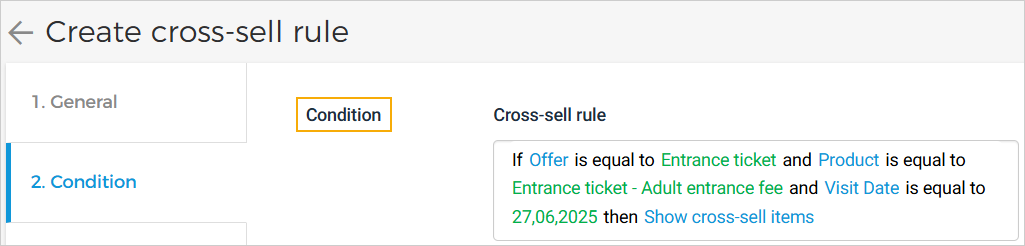
Once saved, you can consult the condition by clicking on the cross-sell rule on the Cross-sell page.
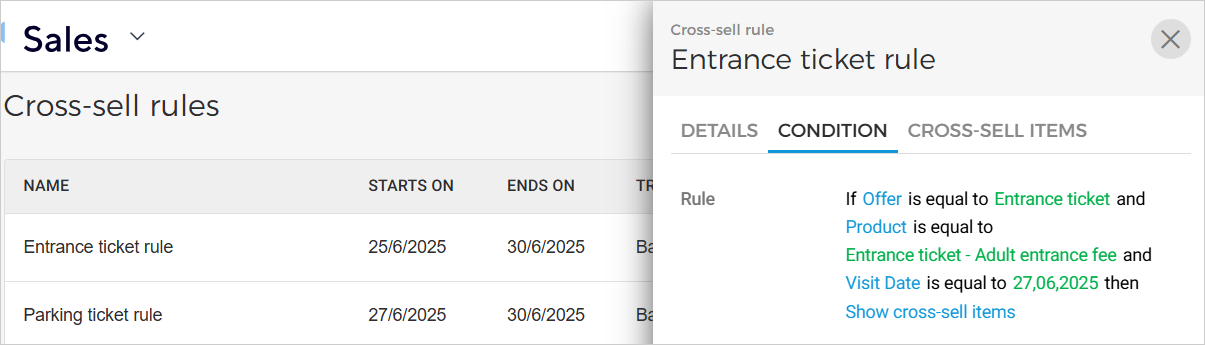
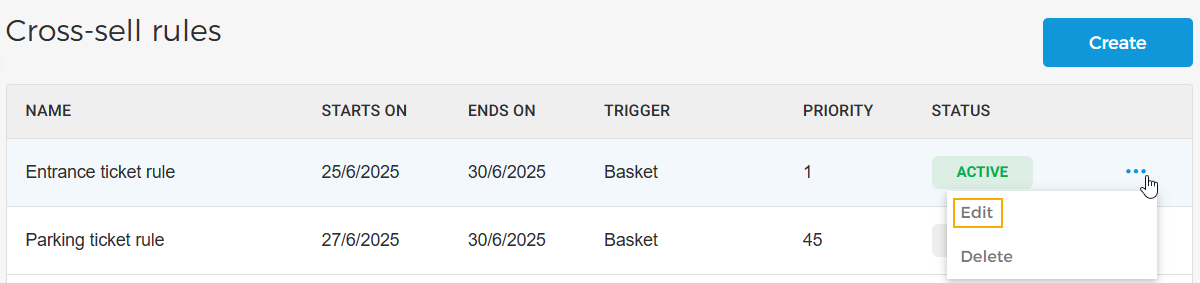
Moreover, it is now possible to edit a cross-sell rule.
Admin
Enhancement
Audit Logs: Venues can now consult the audit trail for cross-sell rule updates and product deactivation events.
Ticketing widget
Enhancements
When a venue configures a minimum product limit (e.g. minimum of 5 tickets), but this limit is not enforced, the widget now takes this into account to help the user and improve the user experience.
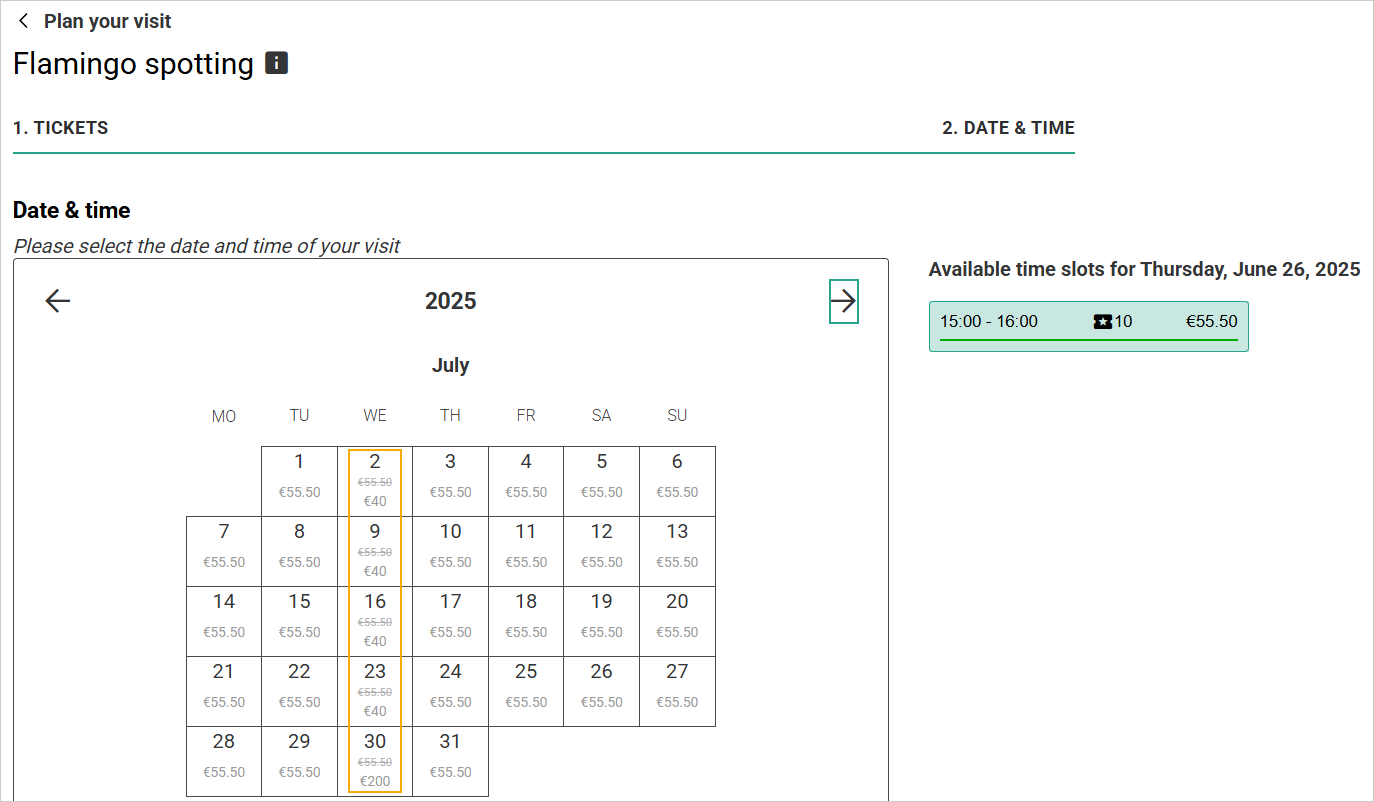
The visitor can consult the original price and the discounted price when a price rule is applied.
Direct selling API
Added a new endpoint, Get membership details by pass ID, to get membership details by pass ID.