Sept 3, 2025
Sales
Promotions
Promotions overview:
You can search promotions on the Promotion overview page.
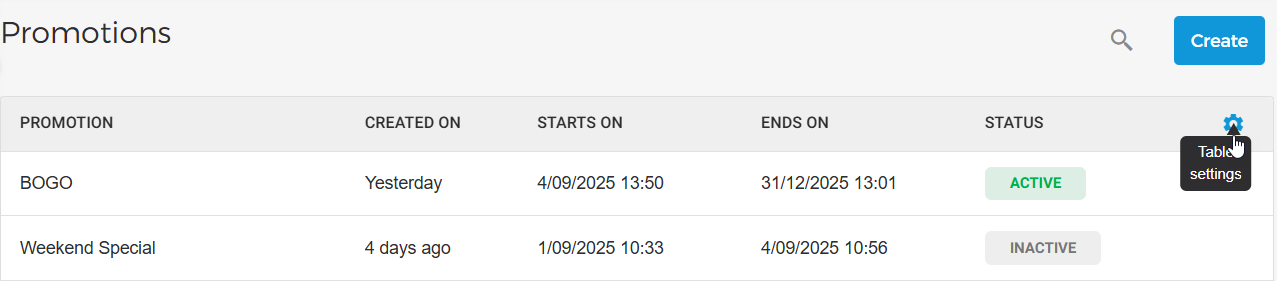
On the Promotions page, you can now access Table settings by hovering over the header bar. From there, you can choose which columns to display and adjust their sequence.
You can now create promotion rule conditions based on
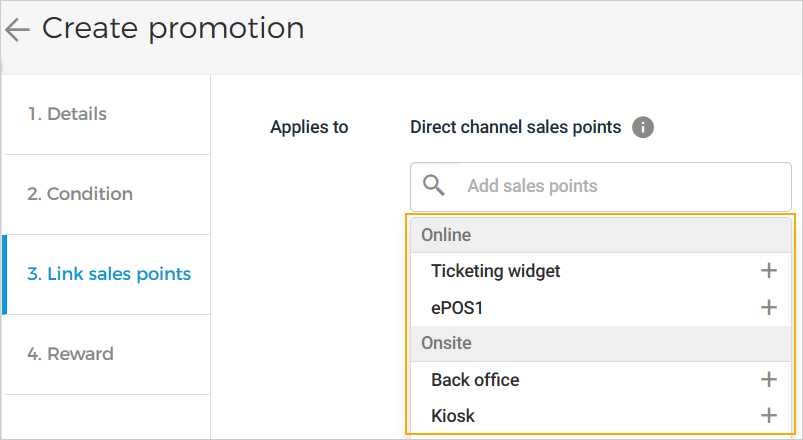
Order Day,Visit DayandVisit Time. The discount amount will be calculated based on the conditions defined in the rule.You can now choose which direct channel sales points to apply the promotion to. This feature is currently available for selected venues only. To enable it, please contact Vintia support.
Enhancements
Products: Reactivating inactive ticket products now makes them available for sale. These products can then be used to place new orders.
Quota: The venue operator cannot perform multiple operations on a specific quota consecutively. A new operation can only be performed once the previous one is completed.
Admin
BCC recipients for order-related emails
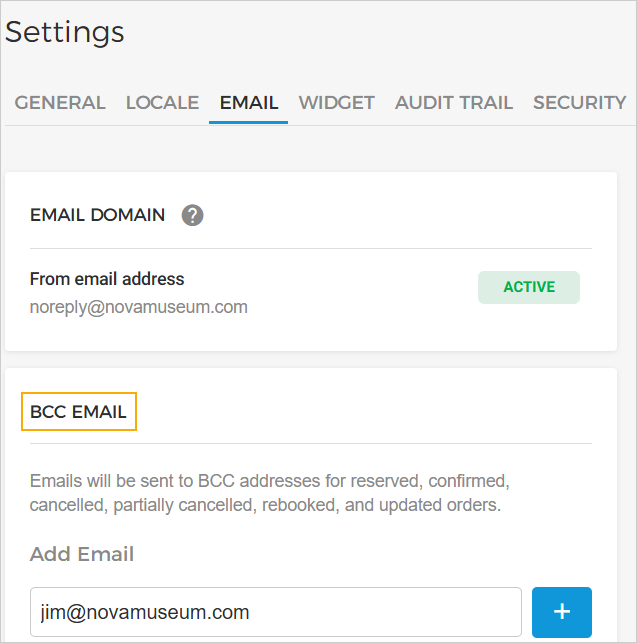
Venues can now configure BCC recipients for order-related emails in Email Settings. Emails for actions such as reserved, confirmed, cancelled, partially cancelled, rebooked, and updated orders will automatically be BCC’d to the specified addresses. You can add up to 20 email addresses.
 |