Aug 6, 2025
Sales
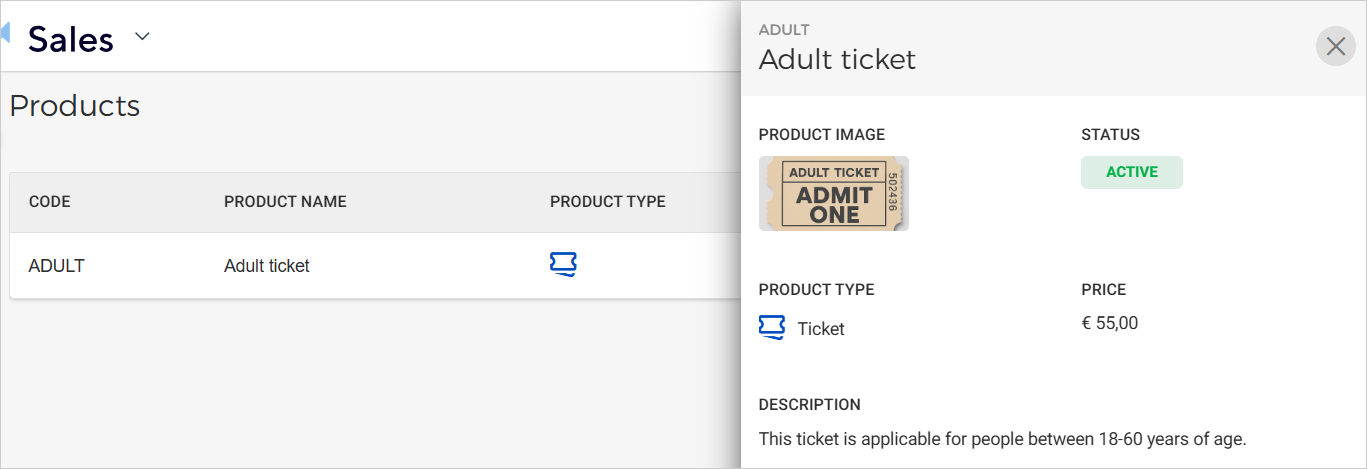
Add product image
You can now add an image to a product. The image will be visible in the product details.
 |
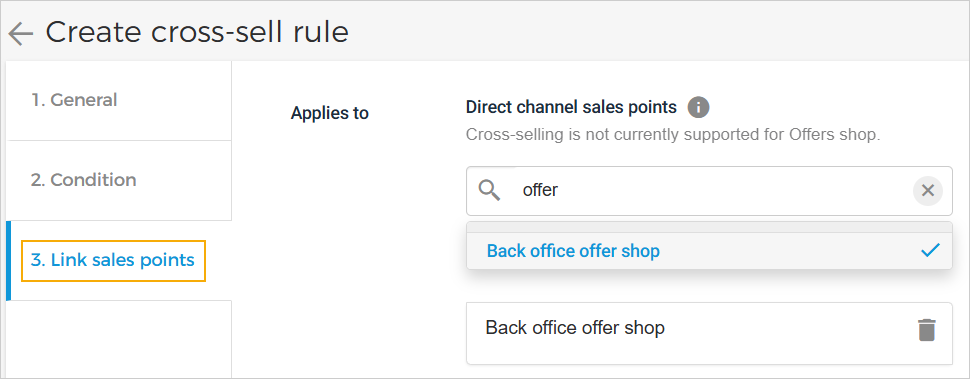
Manage sales channels for cross-selling and UI enhancements
You can now choose which direct channel sales points apply to a cross-sell rule.
 |
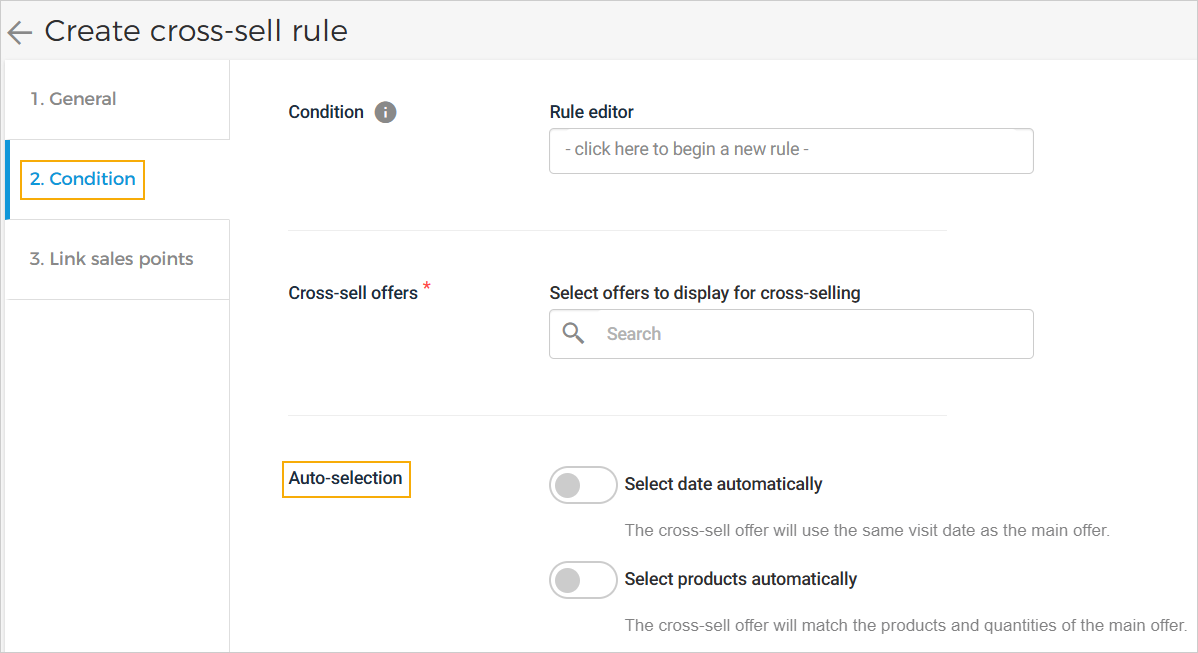
UI improvements have been implemented, moving the ‘Auto selection’ option to the Condition tab and removing the Customization tab.
 |
Enhancements
Offer channels: You can now remove a direct channel sales point from an active offer.
Product code: Product codes can now be manually added or updated.
Create/Edit product: The UI has been improved from a pop-up to a step-by-step, tab-based process.
Price rules: You can now search for a price rule using the search icon on the top panel and configure direct channel sales points for a price rule.
Admin
User role permission
Product permission has been moved from 'Manage offers and products' to 'Manage products and metadata'.
The offers permission has been renamed to 'Manage offers and promotions'.
Users with limited 'Manage products and metadata' permission can create and edit products in Draft mode only.
Audit log
The venue operator can view logs of added or removed sales points for an offer, under the event name 'Sales channel configured'.
Direct selling API
Integrators can now use the Get pass endpoint to fetch pass details by unique pass ID, including the linked order ID.