Jul 9, 2025
Sales
Price rules
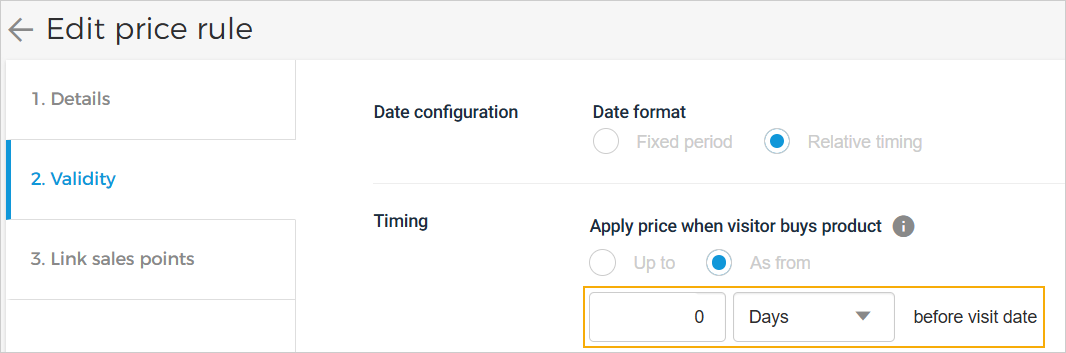
You can now set the price rule validity to 'Relative timing' and define the timing as ‘0’ duration before the visit. This means the price rule will be applied immediately when a visitor purchases the product.
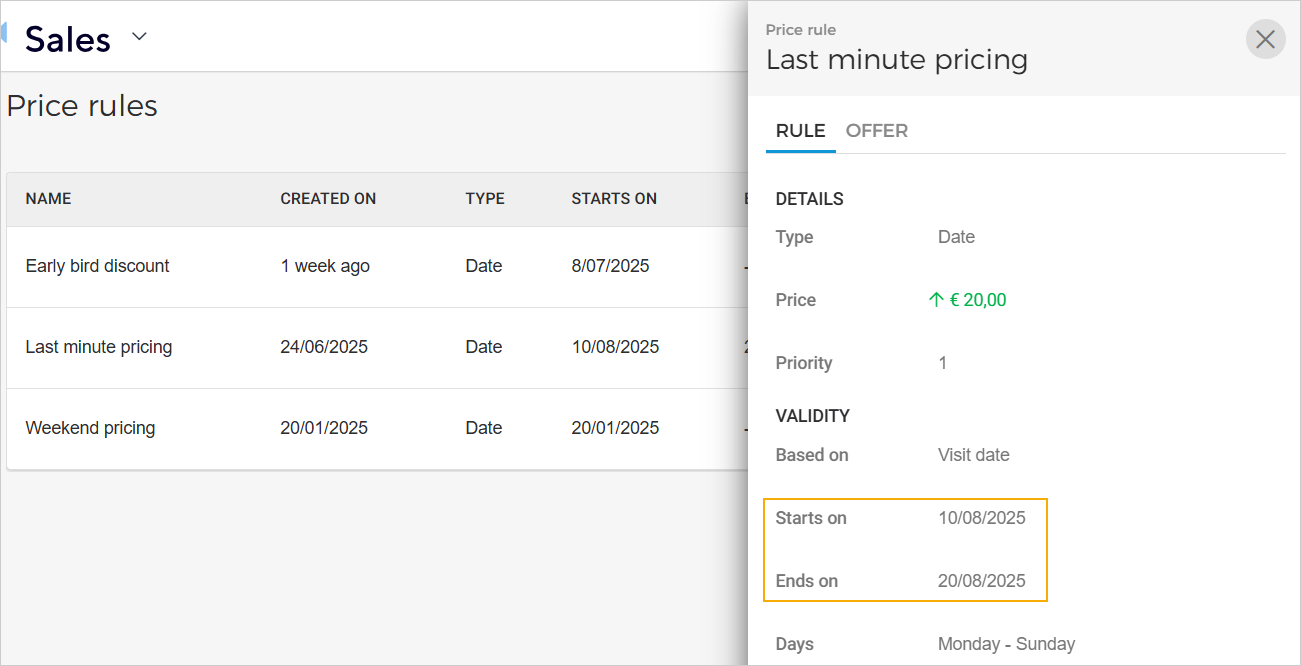
For a 'fixed period' price rule validity, you can consult the start and end dates in the price rule overview.
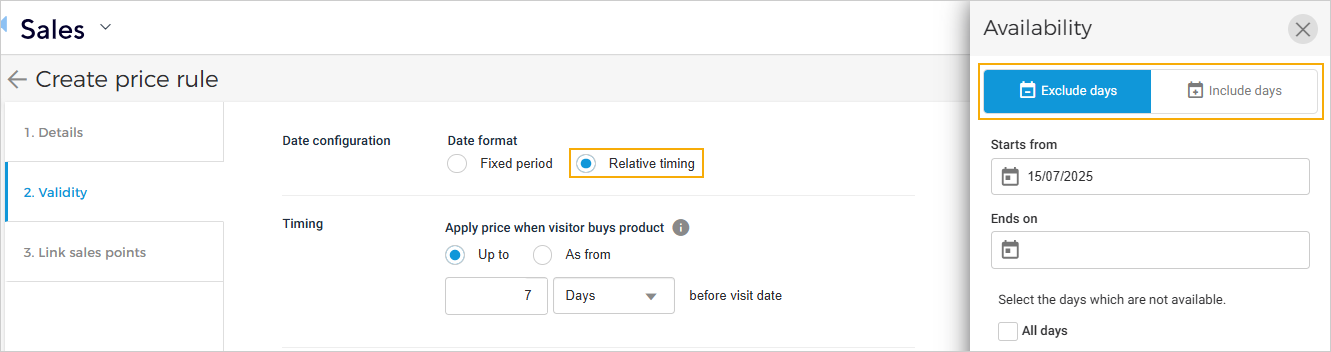
For a 'relative period' price rule validity, you can configure included or excluded availability days.
Cross-sell rules
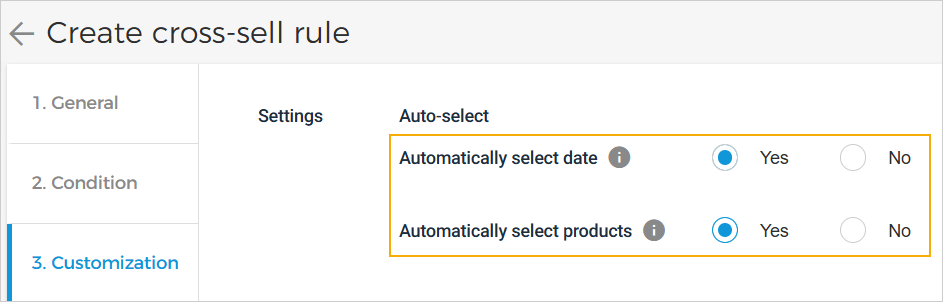
As a venue, you can now configure cross-sell offers to automatically set the visit date and add products to the cart based on the selected linked offer. This streamlines the booking process by removing the need for visitors to manually select these details.
Cross-sell offer products can be configured to display either always or conditionally, based on product availability and consult requirements.

Enhancements
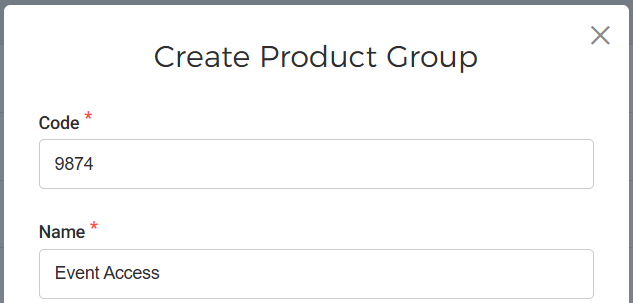
Product groups: While creating or editing a product group, you can now add a product group code.
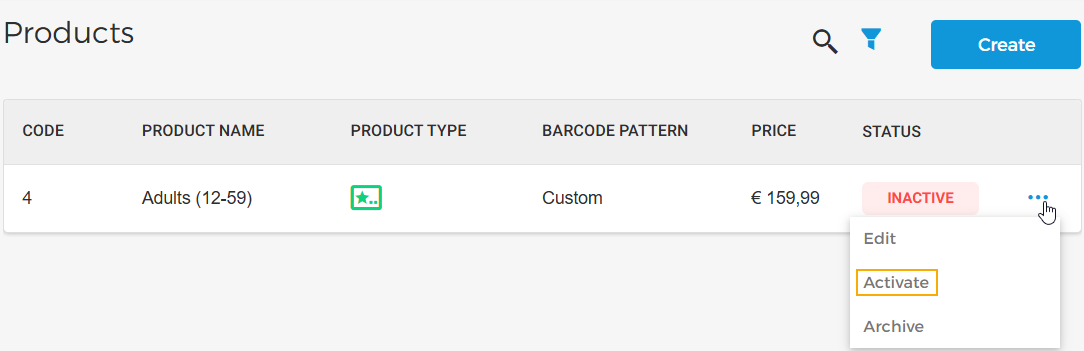
Products: You can now activate an inactive product.
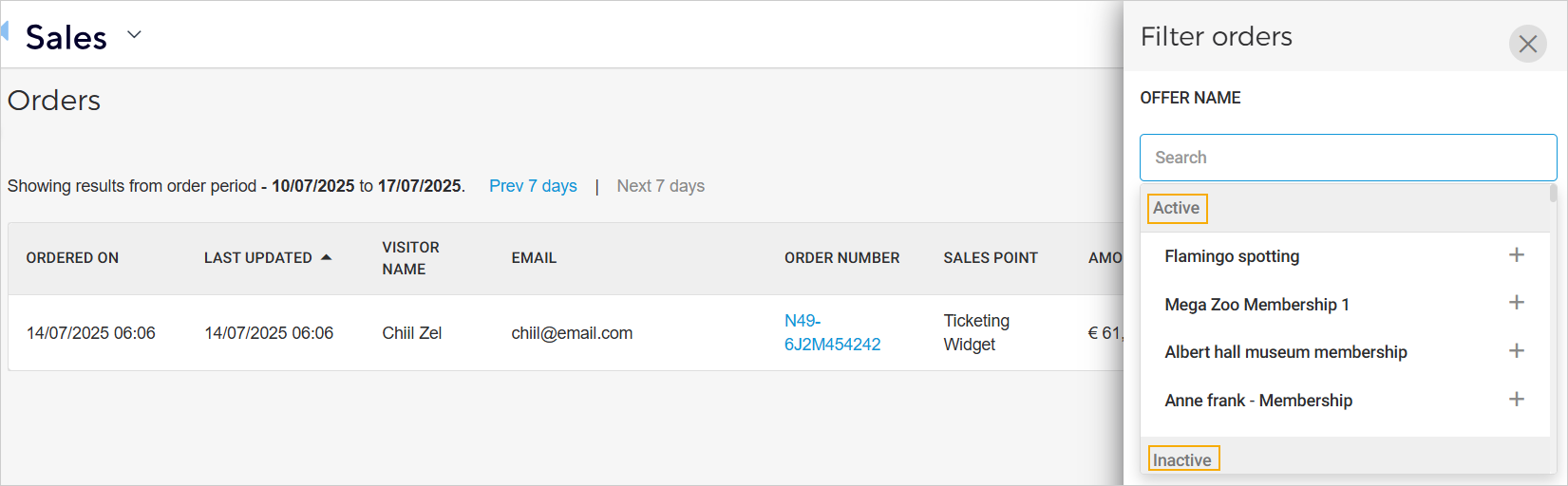
Orders: For the offer filter, 'offer name', the offers are now categoried as 'active', 'inactive' or 'archived'.
Admin
Enhancements
Audit log: Venue users can consult audit trail logs for cross-sell rule created event with all configured options and product activation events.
Webhook: Implemented webhooks to support payment processing from Network N-Genius.
Booking
Enhancement
Now a clear message is shown to guide during registration if the email ID is already registered.
Enviso Pay
Enhancement
Supported Network N-Genius payments in our payment service. It is now possible to initiate network payments if the tenant has Network as a payment provider.
Direct selling API
Added
idandcodeto theproductGroupobject, andvatRateIdto the sales line response of the endpoints List sales and Get sales detail.Added a new endpoint, Get cross-sell offers , to fetch cross-sell offers.
Ticketing widget
New slots added during ticket selection for venue-specific content.
Remarks:
In case of no timeslots and no upselling => slot is aside the calendar
In case of timeslots => slot is below timeslots
In case of timeslots and uspselling => slot is between timeslots and upselling
slot name =
above-time-selection-stepslot name =
above-time-selection-stepslot name =
aside-calendar
Support Network N-Genius
Process Network N-Genius payments through our payment widget.
The payment status will be shown in the widget once the visitor returns from the network payment page.