Aug 20, 2025
Sales
Update product image at the Offer level
You can now update the product image at the offer level. When creating or editing an offer (under Tickets & Capacity), you can replace the default product image defined at the product level. This is useful if you want to use a different image for products within a specific offer.
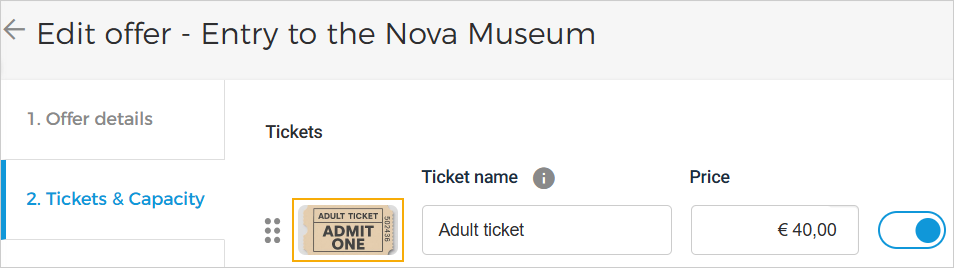 |
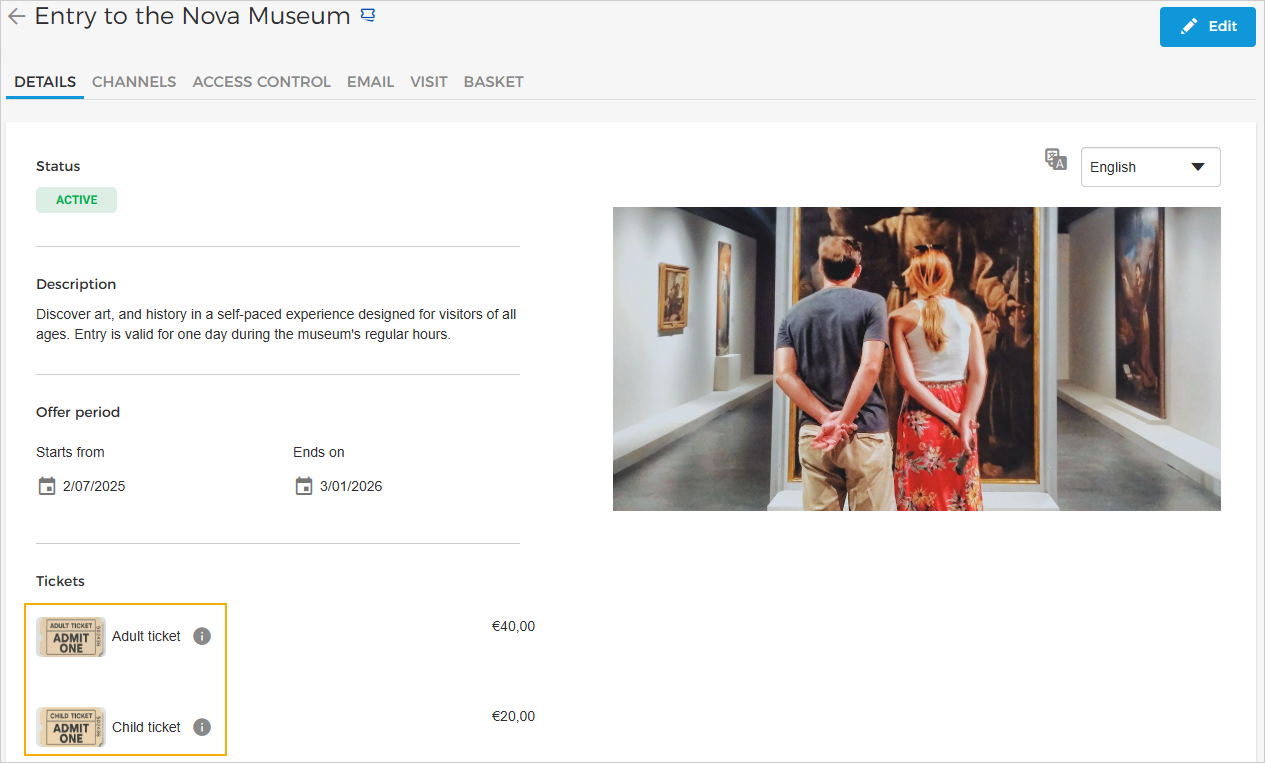
The updated image will appear on the Offer details page.
 |
Enhancements
Promotions: You can now create a promotion rule with the conditions
Order DateandVisit Date. The discount amount will be calculated based on the conditions defined in the rule.Ledger account: Ledger account details (such as account number, name, and description) can now be updated.
Products: Improved UI on the Products page for a better experience.
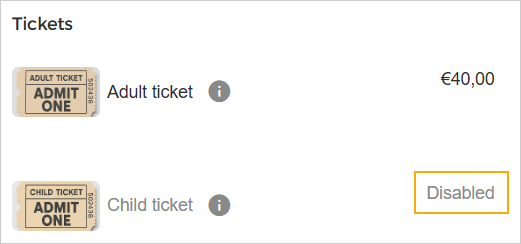
Offers: Inactive products will now appear as disabled on the Offer Details page. Once inactive, these products will no longer be available for placing orders.
Admin
User role permissions
Users with limited or full permissions for 'Manage offers & promotions' will now automatically receive limited permission for 'Manage products & metadata'.
Users with limited or full permission for 'Manage price rules' will now automatically receive limited permission for both 'Manage offers & promotions' and 'Manage products & metadata'.
Users with limited or full permission for 'Manage Templates' will now automatically receive limited permission for 'Manage products & metadata'.
Direct selling API
Added
imageUrlfield to the Get Offer Detail endpoint in Products.