Apr 30, 2025
Sales
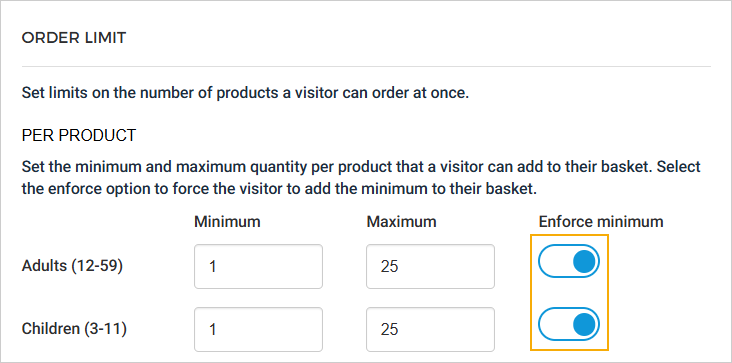
Enforce minimum quantity per product
While setting the limit on the number of products a visitor can order at once, you can enable to enforce the visitor to add the minimum to their basket.
Note
The product limitation setting for Group Offers with tickets per group is not visible in the UI, and the API also prevents configuring product limitations for these offers.
'Pay later' enhancements
The following enhancements have been made to the Pay Later functionality at the offer level (tab Basket):
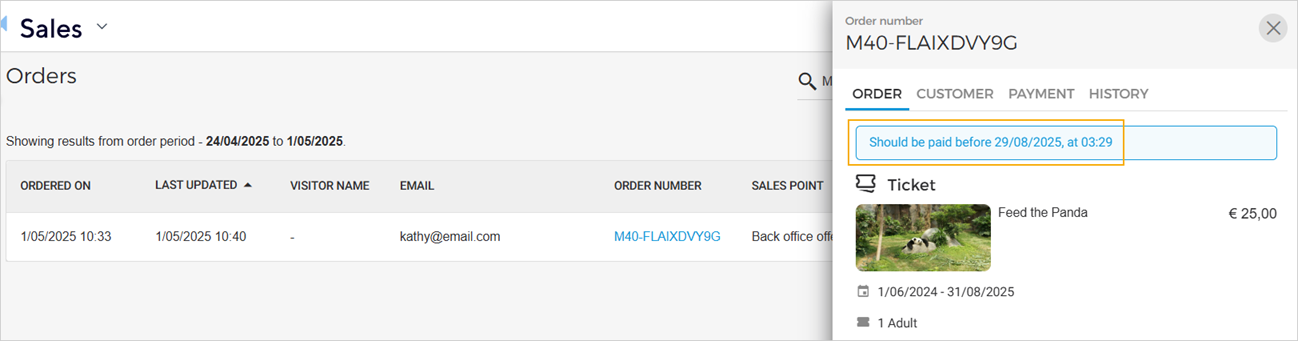
On checking the reserved order on the Orders page (tab Order), you can consult the date by when the payment must be made.
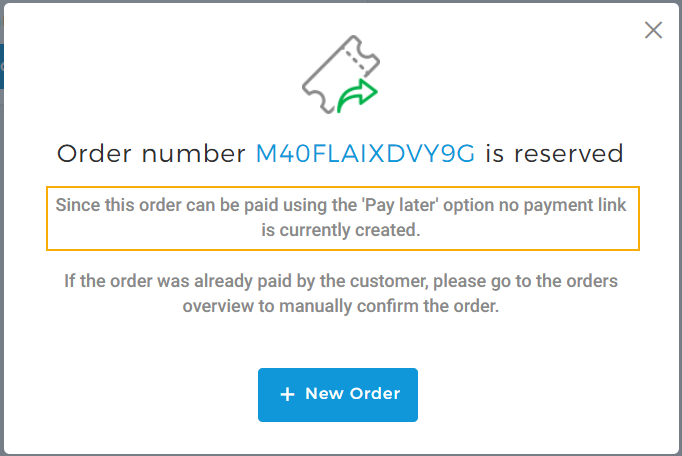
When pay later order is reserved, a pop-up appears with a message related to it.
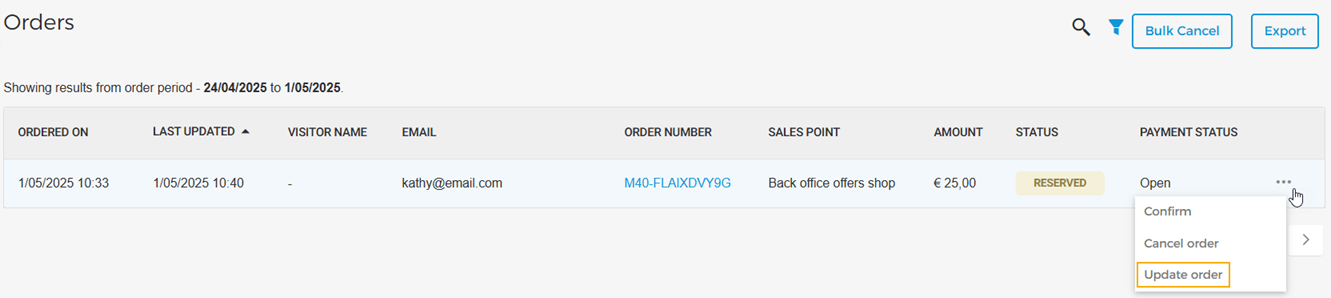
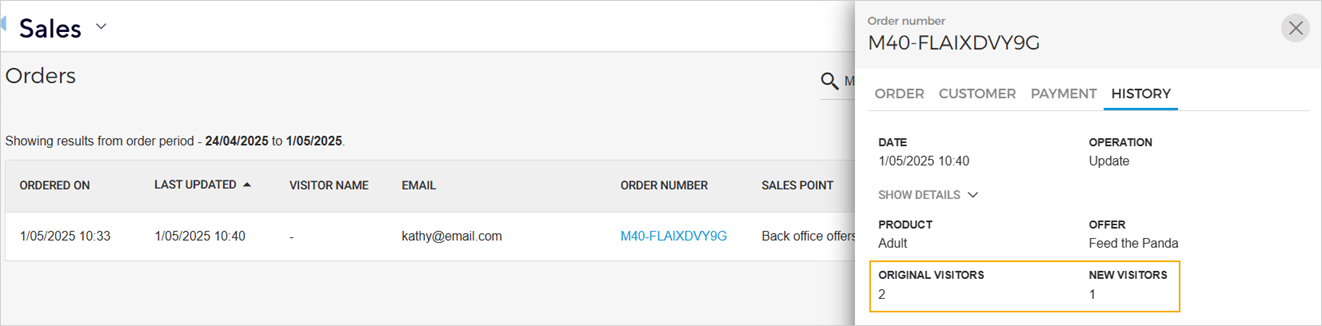
As a venue, you can update the product quantity
In the order history, you can consult the updated quantity.
Note
The feature Pay later is available only to specific venues. You can request Vintia support to enable this feature for your venue.
Manage reseller Membership orders
It is possible to consult and print the membership created via a reseller.
However, it is not possible to cancel a membership created via a reseller.
Trade for Resellers
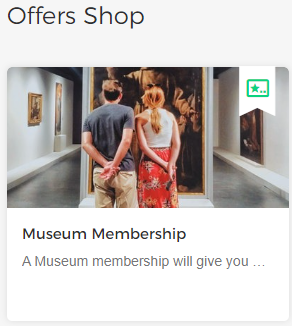
Sell Membership offers
You can now sell membership offers published by your venue partners on your Offers shop. For a detailed description, refer Selling Membership offers
Note
It is not possible to sell Membership offers via the Reselling API.
Admin
Enhancements
Audit logs: Venue users can consult the audit log for the Update order.
Email template: New email template 'Order updated' allows a venue use to define a template for the email that will be sent when the product quantity of a reserved order is updated.
Ticketing widget
Visitors will now be redirected to the Order Overview page instead of the Offer Overview when they click on 'Order overview' during actions such as updating, rebooking, or paying for an order—whether as a guest or logged-in user. This also applies to the 'Back to overview' button on the order-complete page.
Visitors will be able to remove items from their basket at the product level without changing the quantity to 0. Added delete functionality at the product level in the basket and update step.
Ordering a membership offer with a flexible date period is not supported in the widget, so visitors will receive the same error message if they try to add it to the cart. We recommend that the venue should not make it available for TW at this time.
Direct selling API
Added parameter
enforceMinQuantityto the endpoint Get offer detail.Added the
validityparameter to the Create basket, Get basket , and Add basket reservation endpoints to support membership offers with flexible dates.Added new fields, ledger account name, and ledger account number to the
salesLinessection of the endpoints List sales and Get sales detail.Add
PayLaterproperty to the Get order detail endpoint.